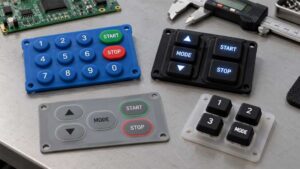
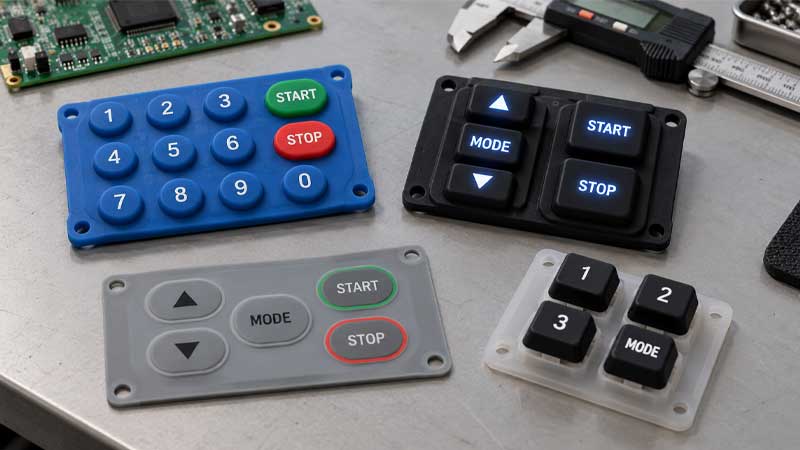
Membrane and silicone keyboards are both types of input devices. They help users complete registration, input, typing, play games, and interact with a machine. They are designed for applications in industry, the medical field, the pharmaceutical industry, robotics, etc.
You may be wondering how to choose the right interface for your electronics or equipment: a silicone or membrane keyboard? The choice of interface affects the final performance, cost, durability, application, and user experience, all of which must be balanced. The following article will compare those two keyboards and recommend the optimal option for specific applications.
The Importance of Membrane Keyboards and Silicone Keyboards for Interfaces
Membrane and silicone keyboards are a type of momentary switch that facilitates signal transmission. These keyboards differ in three-dimensional structure and mechanisms.
The Membrane Keyboard: Compact Multiple Layers
A membrane keyboard, also called a membrane switch keyboard, consists of multiple layers, including a graphic overlay, a spacer layer, and upper and lower circuit layers. Optional domes provide tactile feedback.
Most membrane keyboards contain metal domes as actuators that collapse and rebound when pressed, which are called “dome switch keyboards” and act as functional buttons. Another type is the non-tactile membrane keyboard, which achieves a workable switch through spring action in the material layer.
Membrane keyboards can be divided into flat membrane keyboards and dome switch keyboards. The former uses a pressure pad, while the latter uses a dome structure. Membrane keyboards have a low-profile structure with limited key travel and actuation force. The actuation area collapses when you press the keytop, transmitting electrical signals.
The Silicone Keyboard: High Customization
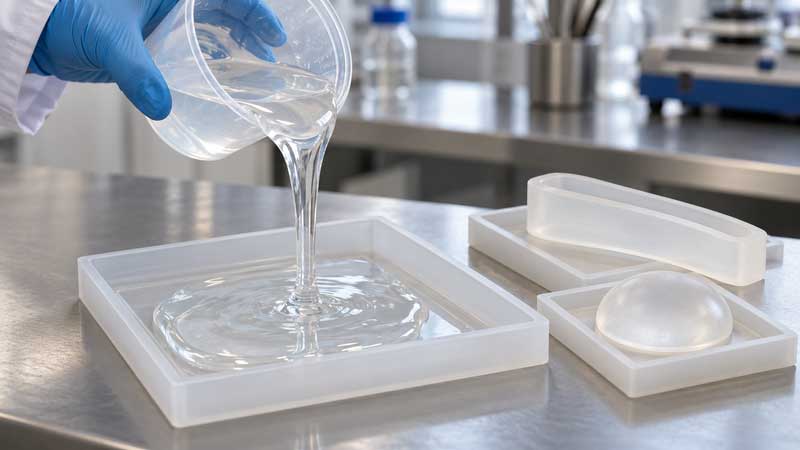
A silicone keyboard realizes signal transmission via a collapsed keytop, and the main part of the silicone keypad collapses and rebounds due to elastic deformation. Silicone keyboards are mainly composed of a silicone keypad, conductive pills or domes as an actuator, an environmental seal, and a circuit.
They can be customized with layouts such as compact, standard, and full-sized, as well as specific travel and actuation force of the keys. This provides high customization for your keyboard project.
When to Use a Membrane Keyboard?
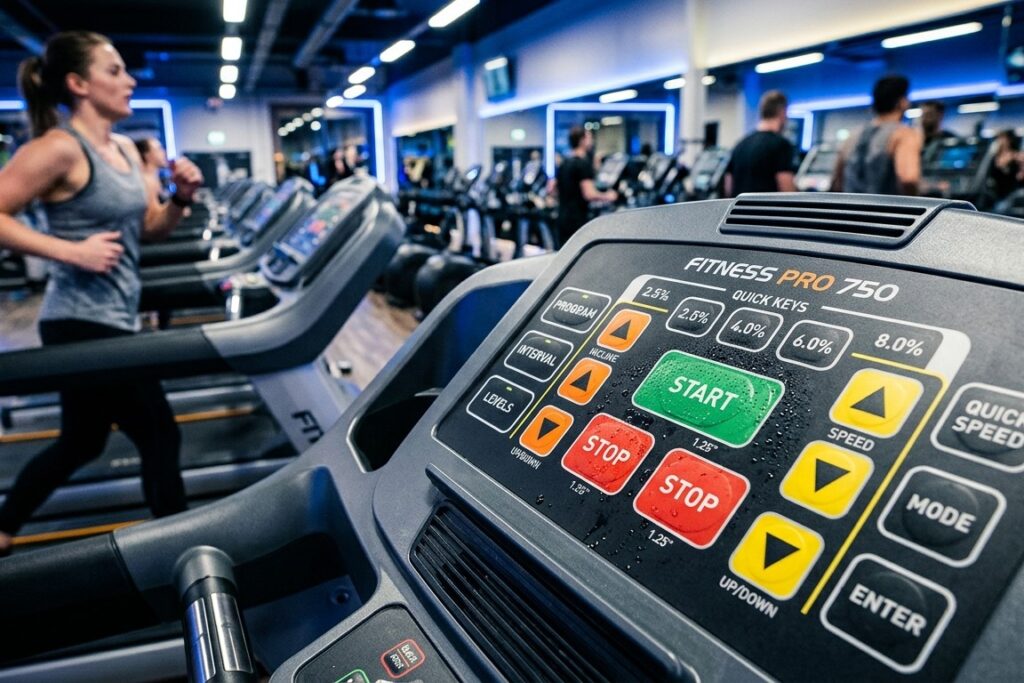
They are not only used as input devices for signal transmission; they are also the interface through which humans interact with machinery. Human-machine interfaces (HMIs) are generally equipped with silicone keyboards or membrane switches. You may be wondering which option is best for your specific requirements.
Conventional and Cost-Effective Option for Limited Design
For cost-efficiency requirements, conventional membrane keyboards are optimal. With a compact, low-profile structure, the membrane keyboard is a cost-effective option suitable for compact control panels or handheld medical devices. However, membrane keyboards have limited flexibility for customization in slim constructions.
Thus, they are more suitable for small electronic devices with basic input functions. Examples include remotes, household appliances, basic medical devices, office copy machines, point-of-sale (POS) systems, kiosks, and automotive consoles. However, membrane keyboards may require repairs or replacement due to their relatively lower durability and shorter life cycle compared to silicone keyboards when used frequently.
Infrequent Use but with Fatigue Issues
Membrane keyboards are designed for infrequent use, not continuous input. Repetitive keystrokes using membrane keyboards may increase the risk of fatigue and pain, especially for those with underlying joint, soft tissue, or spinal conditions.
Silent Operation with Membrane Keyboard
Due to its structure, the membrane keyboard offers silent operation for specific applications. Meanwhile, a flat mechanical keyboard provides tactile and acoustic feedback, though it is not noticeable.
A scissor switch keyboard is a variation of a membrane switch and is typically used in laptop keyboards due to its portability and lightweight design. These integrations have features involving better tactile feedback than conventional membranes, improved durability, quiet operation similar to chiclet keyboards (a variation of membrane keyboards), and consistent and short key travel.
Silicone keyboards can also be designed to be silent. Compared to the limited customization options available with slim membrane keyboards, silicone offers greater flexibility.
Cost-Effective Silicone Keyboard: Alternative to Membrane Keyboard
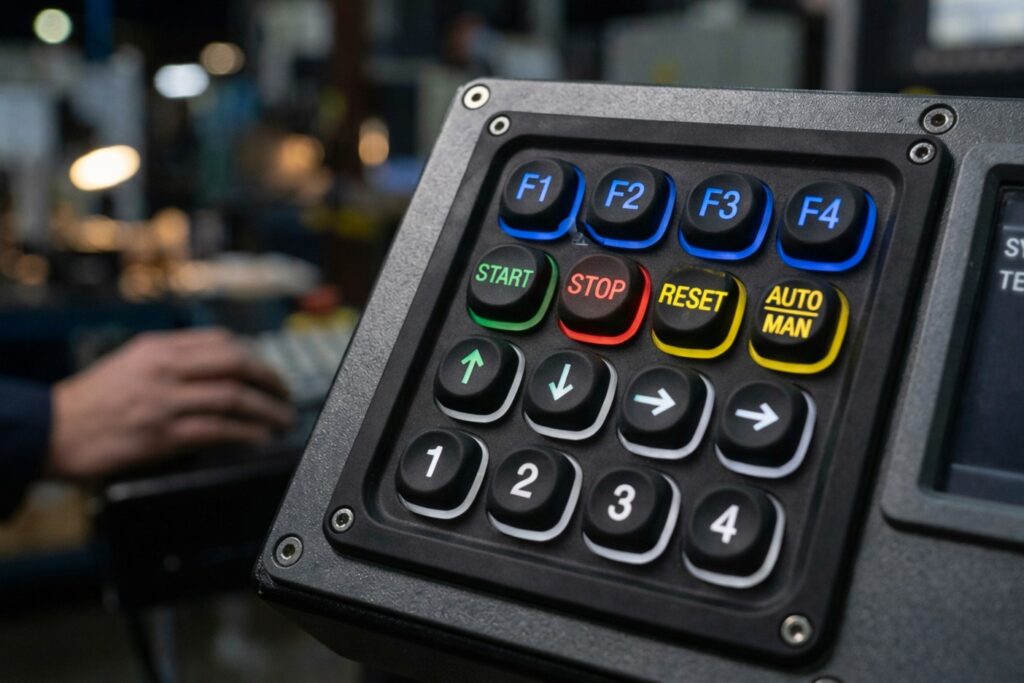
Better Tactile Experience and Less Fatigue
As opposed to low-profile membrane keyboards, silicone keyboards have accelerated tactile feedback due to their different electrical contacts. Tactile experience is determined by carbon pills or metal domes, offering crisp response or soft touch during operation.
For applications involving input devices, physical comfort is significantly important for long-term use. Otherwise, discomfort and overstretching may result in health issues, including finger fatigue, wrist stiffness, and tendonitis from repetitive strain injuries (RSI).
Aside from sitting straight and positioning your wrists and forearms correctly, keyboard setup is essential to preventing these issues and ensuring a comfortable experience.
Customized Actuation Force and Travel of Silicone Keyboard
To achieve a specific snap ratio and tactile feedback, the actuation force and travel of the keys on a silicone keyboard can be customized to meet your requirements and provide a diverse interaction experience. The ergonomic design of the silicone keyboard reduces fatigue by adjusting the actuation force.
The longer the key travel, the more pronounced the snap. The higher the actuation force of the actuator, the less tactile feedback the user receives for their keystrokes. A low actuation force reduces finger fatigue and increases typing speed, while a higher actuation force provides clear tactile feedback. SKF also offers low foce silicone keypads and more information about comparison between low and high force silicone keypads can be found in here.
However, membrane keyboards support only basic input and have limited tactile feedback and constrained designs with regard to actuation force and travel.
Excellent Resistance Against Corrosion, Moisture, & Dust
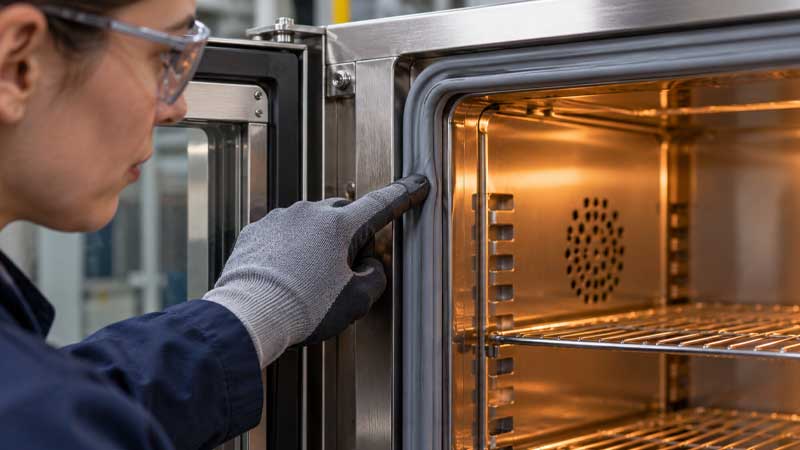
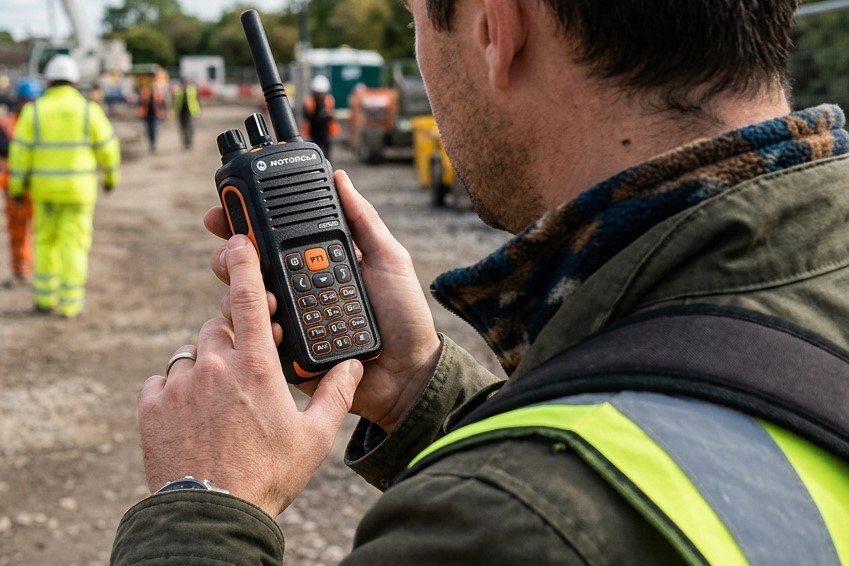
Unlike traditional membrane switch keyboards, silicone keyboards have excellent resistance to chemical corrosion, moisture, and dust. This makes them a reliable keyboard solution for harsh environments such as wet outdoors, dusty construction sites, and industrial fields.
FAQs
Is a membrane keyboard suitable for gaming?
While you can play games with a functional input device, membrane keyboards offer a poor user experience due to their lack of clear tactile feedback and smooth, precise input.
What should I do if I experience occasional aches after a long day of typing with a silicone keyboard?
Relax your wrists and stretch, and the pain will go away. However, if the pain persists and interrupts your daily activities, you should see a doctor.
What should I do if my silicone keyboard’s keys don’t respond?
You can check the drivers, clean the keyboard, or restart your laptop or machine.
What should I do if my keys are sticky?
Cleaning the keytops with isopropyl alcohol may help.
Can I customize the layout of the silicone keyboard?
Yes. In addition to the special functional layout, there are standard layouts available for different countries, including QWERTY for English-speaking countries, AZERTY for French-speaking countries, and QWERTZ for German-speaking countries, among others.
Conclusion
Overall, conventional membrane keyboards are the optimal option for a compact design, a low-profile internal structure, and infrequent-use applications. They are lightweight for portability and cost-effective for portable devices, consumer electronics, and household appliances. However, membrane keyboards have limited customization flexibility, can cause finger fatigue, and have an incomplete protection rating.
We offer a custom silicone keyboard solution as an alternative to membrane keyboards. It provides the desired tactile feedback through travel and actuation force, a comfortable user experience with soft keystrokes, and advanced ingress protection against liquids, dust, and chemicals.