
Custom Silicone Keypads for Medical Devices
Medical device controls need to be easy to find, easy to use with gloves and legible after repeated cleaning. SKF develops custom silicone keypads to fit each device’s layout, enclosure, circuit and surface requirements. Whether you are designing a new interface or replacing an existing keypad, the controls should fit the way clinicians and technicians actually work.
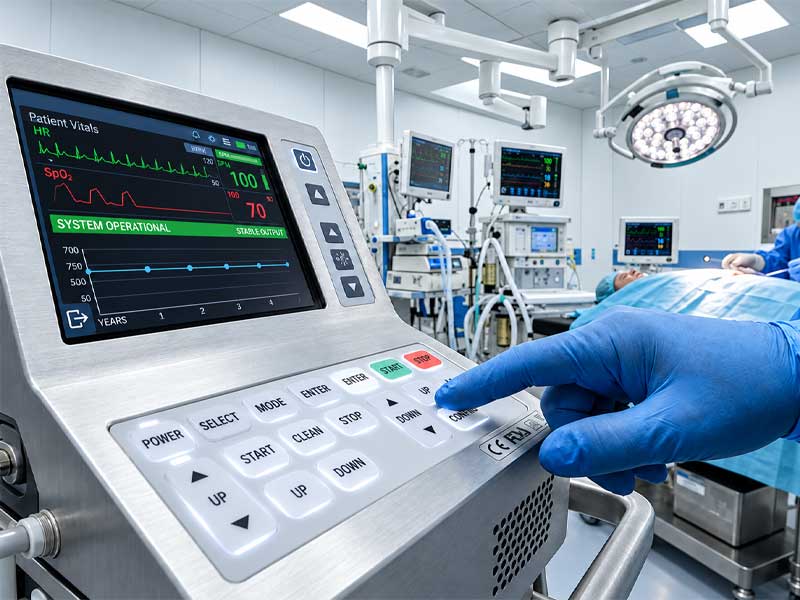
How Silicone Keypads Work in Medical Devices?
Molded silicone keypads give medical devices a tactile control surface. Flexible webs let the keys move and return after each press. A carbon contact beneath a key can close a PCB circuit, while other designs use the molded key to press a separate switch. Legends, colored keys, locating features and a perimeter sealing rib can all be built into the same part.
The design changes with the equipment. A bedside monitor needs controls that staff can find quickly. A portable diagnostic device has less room for keys, and a laboratory instrument may face frequent cleaning or reagent splashes. These conditions guide the material, key feel and surface finish. Standard silicone and medical-grade LSR are both options; the choice depends on how the device is used and what material documentation the project requires.
Features Built for Medical Device Controls
Tactile keys that feel distinct
Silicone keys can be shaped and tuned so frequently used controls feel different from nearby functions. Raised profiles, varying key sizes and a clear tactile response help users find the right control while keeping their attention on the device or patient. The same molded keypad can include both prominent function keys and less prominent secondary controls.
A surface made for routine cleaning
A continuous molded face gives the panel a clean appearance and leaves fewer joints between keys. Low-profile keys make wiping straightforward; raised keys can retain tactile separation with enough room around them for cleaning. SKF can combine the silicone surface with printed or laser-etched legends and a protective finish selected for the intended cleaning routine.
Readable legends and optional backlighting
High-contrast printing, color-coded keys and laser-etched backlit symbols help make functions easy to recognize. Backlighting is useful on devices used in dim rooms, while strong contrast keeps the markings readable when the LEDs are off. Key shape and position can reinforce a color cue so the interface does not depend on color alone.
One part shaped for the device
A custom molded keypad can combine keys, locating features and a perimeter sealing rib in one component. It can carry carbon contacts or actuate separate switches, depending on the circuit design. This gives the OEM room to fit the controls into a compact housing without assembling a separate cap and seal around every key.
Keypad Configurations for Medical Equipment
One-piece multi-key keypads
A single keypad can cover a group of controls on a monitor, diagnostic instrument or mobile cart. Key sizes, spacing and colors can vary within the same molded part to make important functions easier to find. This format also allows a continuous face and a shared perimeter seal, provided the enclosure holds the keypad evenly.
Individual buttons and small control groups
Some devices need only a power key, a pair of navigation buttons or a small group beside a display. Individual silicone buttons give designers more freedom to place these controls around the housing. Each opening then needs its own mounting and sealing approach, so this option suits layouts where placement matters more than a continuous panel surface.
Raised tactile or low-profile keys
Raised keys offer a stronger physical landmark for gloved operation. Low-profile keys create a flatter panel that is easier to wipe and fits a shallow housing. A mixed layout can reserve a raised profile for the most important controls while keeping secondary keys lower. The right combination depends on the operator’s tasks, cleaning method and available panel space.
How Different Devices Shape the Keypad Design?
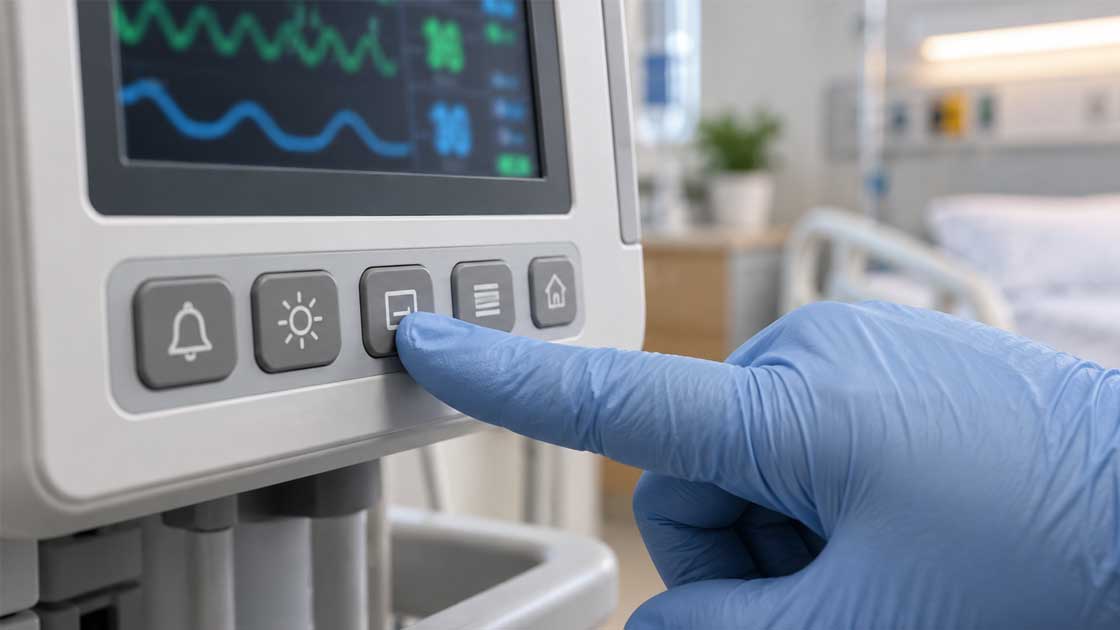
Bedside monitors and shared equipment
On a bedside monitor, staff should be able to find frequently used controls without searching the panel. Raised or differently shaped keys help when they are wearing gloves; spacing and clear legends distinguish nearby settings. If an accidental press could change an important setting, the design may call for a firmer key, more separation or a confirmation step. The FDA human factors guidance and IEC 62366-1 help teams assess these choices with intended users.
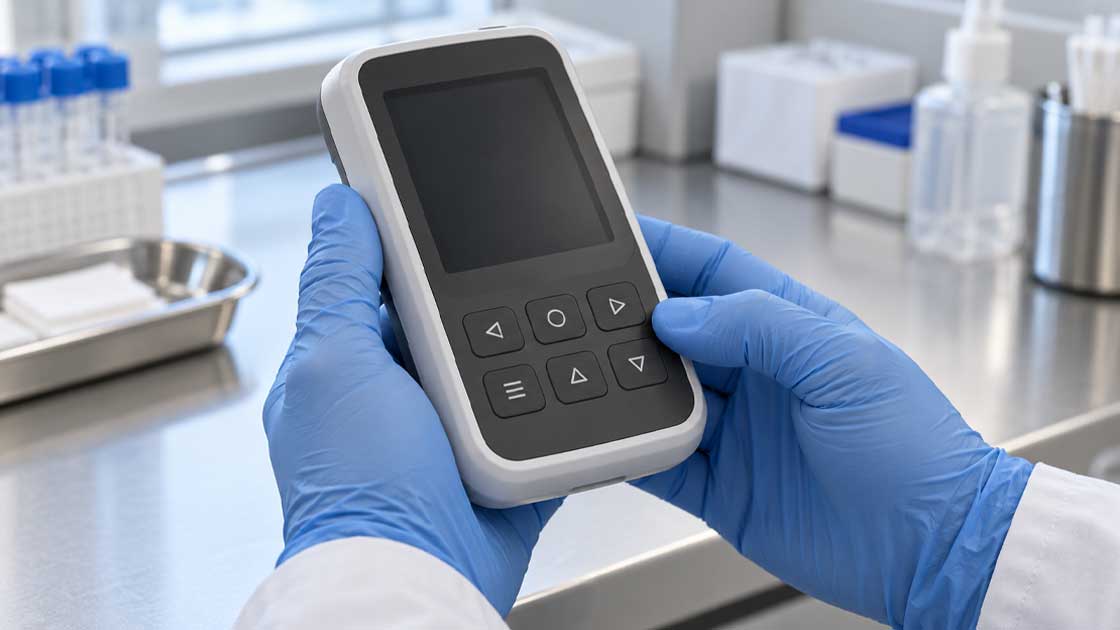
Portable and point-of-care devices
Compact handheld devices leave less room between keys, which can increase the risk of accidental presses. A low-profile keypad can fit a compact housing, but the press and return still need to feel clear through a glove. Review the layout on the assembled device under the expected grip, viewing angles and lighting. SKF's portable diagnostic keypad application looks more closely at handheld designs.
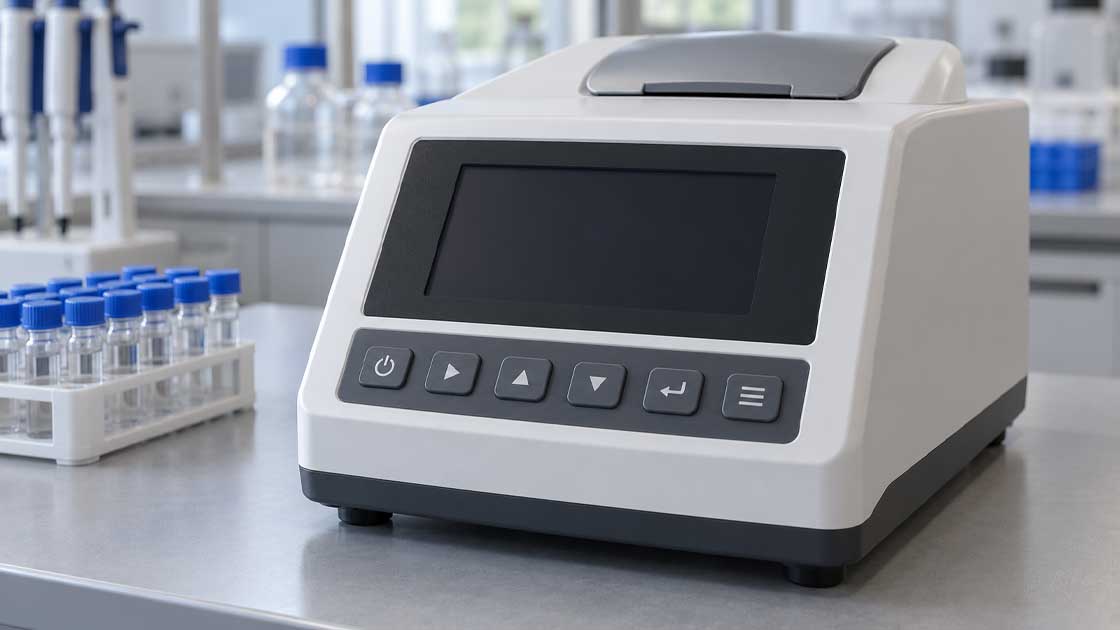
Laboratory and analytical instruments
Laboratory controls may face reagent splashes as well as routine cleaning. A continuous surface, enough room around raised keys and a suitable legend finish make the panel easier to wipe. See SKF's laboratory equipment keypad application for more on instrument controls.
Build the Keypad Around the Device
A useful keypad specification brings together the operator’s task, cleaning method, key feel and enclosure design. SKF can develop a molded keypad and produce prototypes for review. Contact us with an early device concept or an existing keypad you want to improve, and we can work through the details together.
How Should a Keypad Be Designed for Cleaning?
Choose a surface that can be wiped easily
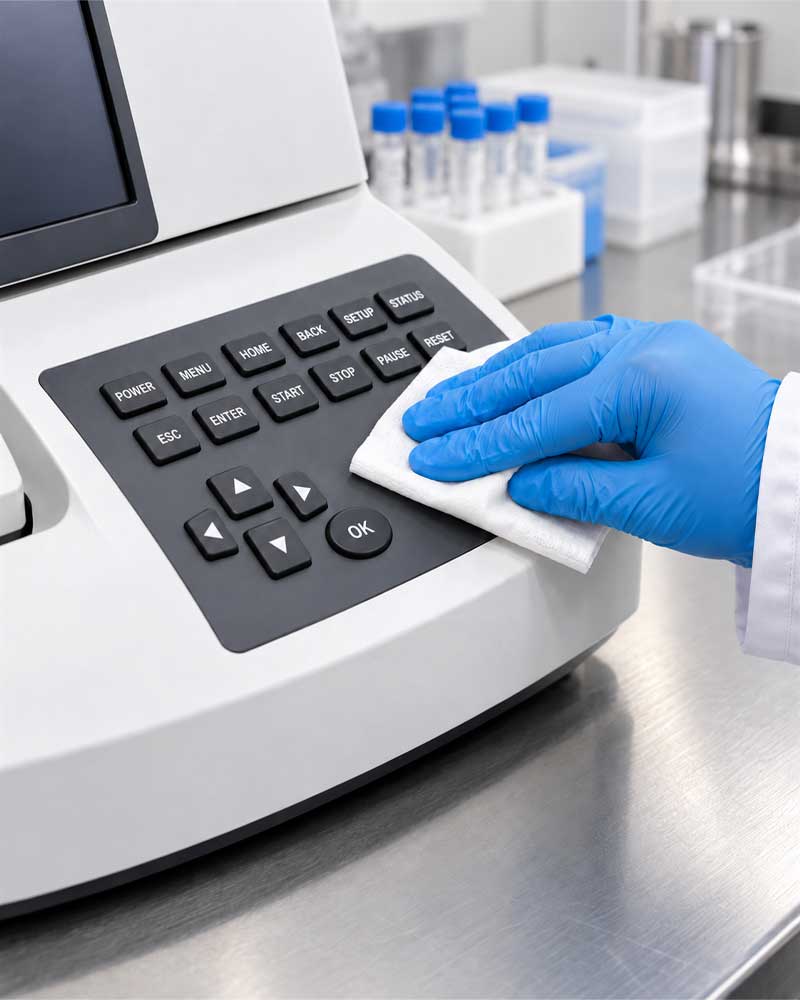
Low-profile keys and a continuous silicone face leave fewer recesses to clean. Raised keys are easier to find by touch, but they may need more space around their edges for thorough wiping. Choose the profile that gives operators enough tactile separation without making the panel difficult to clean.
Match the legend and coating to the cleaning routine
Screen printing, laser-etched legends and protective coatings offer different options for color, backlighting and wear resistance. Specify the disinfectant, its concentration, contact time and cleaning frequency. Then check finished samples for legibility, appearance, adhesion and key feel after repeated wiping. CDC guidance also calls for checking equipment compatibility and following the disinfectant’s instructions. If the device calls for an antimicrobial surface, it should complement routine cleaning.
Devices that require sterilization need a different material and finish plan. SKF can specify medical-grade LSR keypad options for steam, ethylene oxide (EtO) or gamma sterilization. The process chosen for the device also affects its legends, coating, adhesive and housing. A bedside controller designed for wiping and a reusable component designed for sterilization need different specifications.
What Makes a Control Usable With Gloves?
Set force and travel together
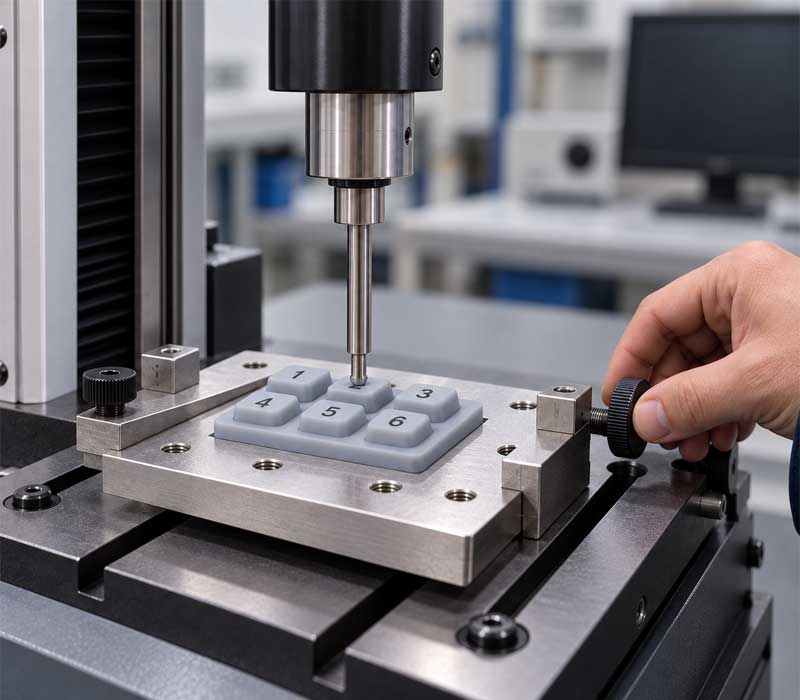
The molded web shapes how force changes through a keypress. The contact and PCB position determine when that press registers electrically. Silicone keypad designs commonly use 60–300 gf of actuation force and 0.8–1.5 mm of travel. For gloved use, a firmer press may help, but the right force depends on key size, frequency of use and the risk of accidental activation. Tactile snap, return force and contact position matter too. SKF’s tactile silicone keypad page explains how these factors work together.
Make each function recognizable
Shape, spacing and high-contrast legends help operators tell keys apart at a glance or by touch. Laser-etched, backlit legends improve visibility in low light, but the markings should also be clear when the lighting is off. If color marks a critical function, add a shape, position or text cue. Review the assembled controls with the gloves, viewing angles and tasks expected in use.
How Do the Keypad, Enclosure and Circuit Work Together?
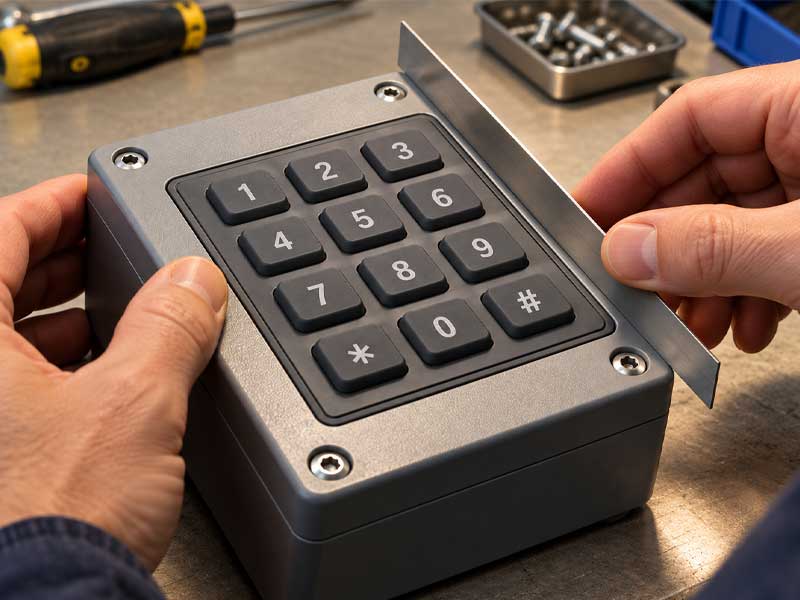
A molded perimeter rib can help seal the control panel. How well it works depends on the housing surface, compression, fasteners and other openings. An assembled device may target IP65 for dust and water jets, or IP67/IP68 for defined immersion conditions. Because IEC 60529 rates the enclosure, assess the completed panel against the chosen IP target.
With carbon contacts, switching depends on contact size, PCB finish, contact force and any preload from the housing. A silicone key that presses a separate switch has different travel and tolerance requirements. Compare these options before fixing the panel depth and PCB layout, then check force, switching, return and sealing on an assembled sample.
Which Materials, Standards and Design Targets Matter?
When a project calls for biological test information, choose a medical-grade LSR with the relevant USP Class VI and ISO 10993 data. ISO 10993-1:2025 guides biological evaluation of the finished medical device, while USP <88> covers biological reactivity tests for specified polymer materials. For a control panel without patient contact, cleaning, usability and electrical integration may matter more to the keypad design. ISO 13485 sets medical-device quality management requirements that can guide drawing control, traceability and change records in an OEM project.
The ranges below help set an initial keypad specification. SKF can adjust the targets to the key geometry, circuit and device requirements.
Specification | Typical Design Range | Design Consideration |
Base silicone hardness | 30–80 Shore A | Choose the compound with the web design; hardness alone does not set key force. |
Actuation force | 60–300 gf | Choose by key size, glove use and frequency of operation. |
Key travel | 0.8–1.5 mm | Check the electrical contact point in the assembled stack. |
Snap ratio | About 40–60% | A stronger snap can reduce return force; check both alongside key life. |
Switch life | ≥1,000,000 cycles design target | Set the expected use rate and evaluate the web, contact and assembly together. |
Carbon-contact resistance | <100 Ω typical; ≤200 Ω design limit | The value depends on the contact type, PCB pattern and closing force. |
Operating temperature | −40 to +85 °C | The finished device’s limit also depends on inks, coatings and other parts. |
Enclosure protection | IP65, IP67 or IP68 design targets | Define the water exposure and assess the assembled enclosure. |
How SKF Makes and Checks Custom Medical Keypads?
Mold the shape and tactile structure
SKF starts with the approved key layout and housing fit, then prepares tooling for the keytops, flexible webs, locating features and perimeter seal. The chosen silicone is molded into the required profile, with conductive contacts added when the circuit calls for them. The web geometry gives each key its basic force and travel, so tooling and prototype feedback are closely linked.
Add the graphics and finish
After molding, the keypad can be screen printed, coated or laser etched to create the required legends and appearance. Backlit symbols use a translucent silicone base beneath an opaque surface layer. Trimming forms the final outline and mounting features. The marking and finish are selected alongside the cleaning process, rather than added as decoration at the end.
Check the features users will notice
SKF checks molded dimensions, surface appearance and legend alignment, then measures key force, travel and electrical contact performance against the project specification. Wear, repeated actuation and cleaning exposure can be evaluated for the selected surface and use conditions. The SKF manufacturing process shows the molding, marking, finishing and inspection steps in more detail.
How Should Samples Be Reviewed Before Production?
Start with the control layout, intended users, cleaning process and enclosure. SKF can use these requirements to develop the molded shape, contacts, legends and finish, then adjust force and travel on prototypes. Review dimensions, key feel and switching with the keypad installed in its housing. Repeated operation and the specified cleaning exposure show how the finished controls behave in use.
For projects managed under ISO 13485 and ISO 14971, the OEM can bring drawings, material records, approved samples, change records and acceptance criteria into its quality and risk-management process. Plan biological evaluation, sterilization and IP testing at the material, keypad or assembled-device level as each requirement calls for. SKF’s manufacturing process shows the molding, marking and coating options available for development.
Frequently Asked Questions
Does every medical device keypad need medical-grade silicone?
No. A keypad used only by clinicians may need a different material from a part that contacts patients. Medical-grade LSR is an option when the project calls for tighter formulation control or biological data such as USP Class VI and ISO 10993 test information.
Can a silicone keypad be designed for IP67 protection?
Yes. A perimeter seal, controlled compression and a suitable housing can support an IP67 target. Assess the complete assembly using the intended IEC 60529 method; the keypad alone does not set the enclosure rating.
Can the keypad withstand disinfectants or sterilization?
Choose the silicone and surface finish for the disinfectant and wiping routine the device will see. If it also needs steam, gamma or EtO sterilization, select a compatible medical silicone grade and design the legends, coatings and joined parts for that process. Treat wiping and sterilization as separate requirements.
Can gloved operation and backlighting be combined?
Yes. Key shape, spacing and force help operators find and press the controls. Laser-etched legends and a suitable LED layout make them easier to read. Review the complete interface under the intended lighting and with the expected gloves.