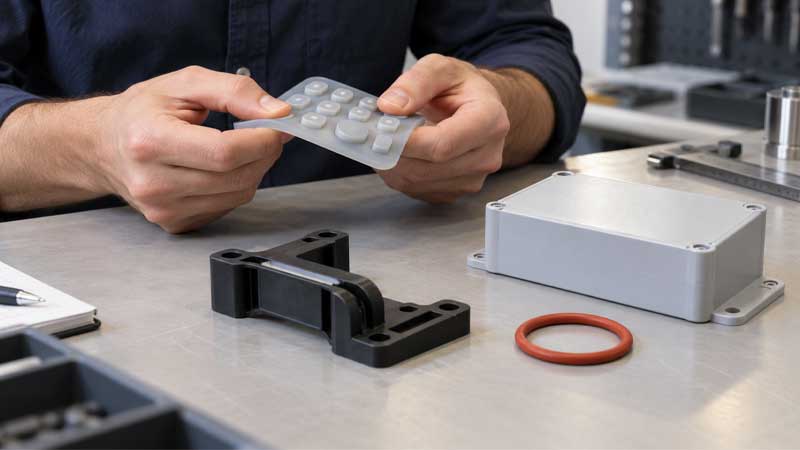
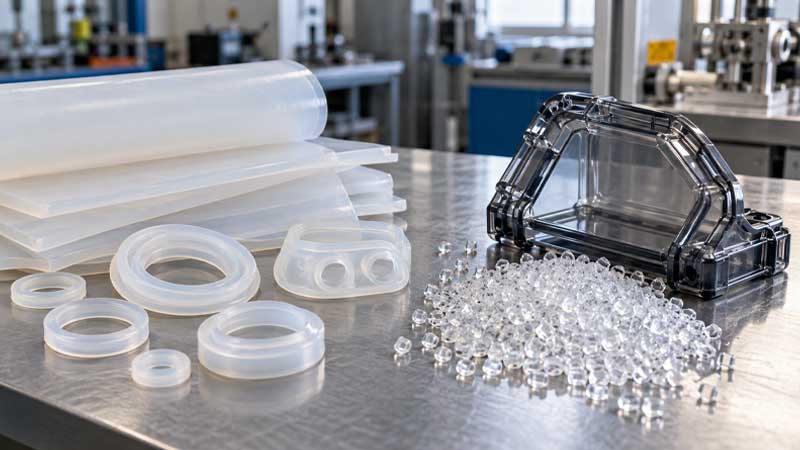
Human-machine interfaces (HMIs) offer unique ways to interact with machines. The selection of keypads for user interfaces is determined by functional designs, desired feedback (including tactility and acoustics), watertight protection, and environmental resistance.
Where Are Silicone Keypads and Mechanical Keypads Used?
Common Applications with Silicone Keypads
Due to their excellent mechanical strength and environmental resistance. Silicone keypads are used in industrial control panels in tough conditions, security and access control systems that withstand outdoor environments and UV radiation, and watertight, sterile user interfaces in medical equipment. They are also used in HMIs in tough conditions that require robustness, excellent mechanical strength, and reliable protection.
Common Applications with Mechanical Keypads
Mechanical keypads are widely used for office input devices, gaming devices, industrial control consoles, and heavy-duty data entry owing to their pleasant tactile feedback, outstanding expected lifetime, and durability for heavy use.
Mechanical keypad switches are popular in keyboards for typing and gaming. Their diverse internal structures and switch stems lead to distinct tactile responses: linear with no noticeable tactile bump; tactile with sufficient tactile feedback; and clicky with a distinctive click sound.
Mechanism of Silicone Keypads in Switches
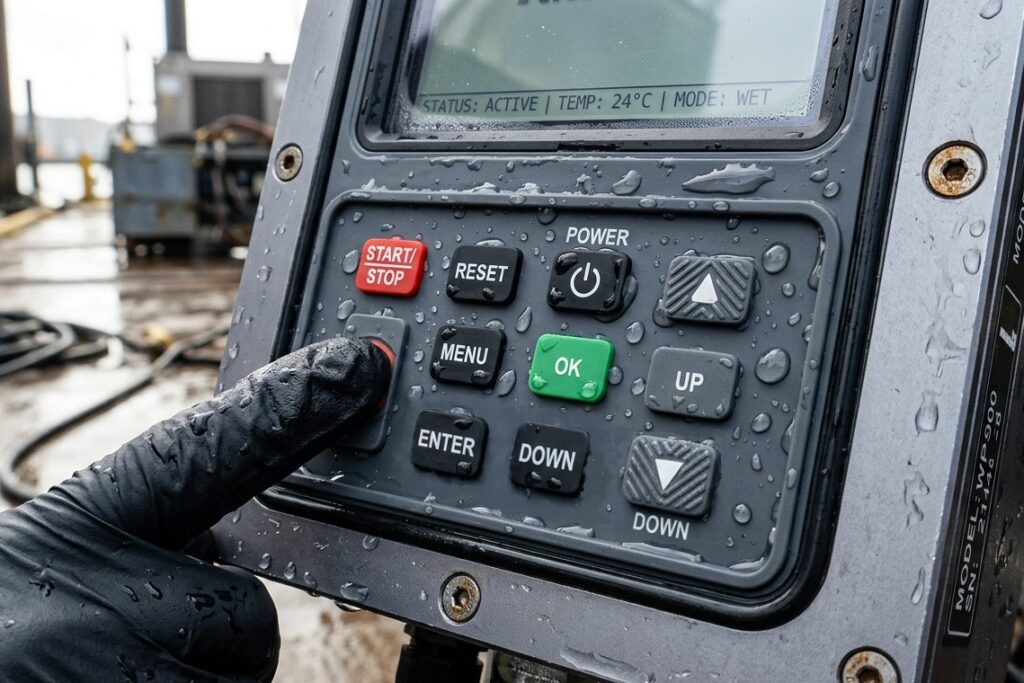
What Is a Switch with Silicone? What do keypads consist of?
Silicone keypads provide an interactive method through the inherent elasticity of silicone rubber and internal electrical contacts that transmit electronic signals. These contacts include carbon pills and metal domes. Conductive carbon pills are typically located beneath the keys of conductive silicone keypads. In contrast, metal domes are integrated with non-conductive silicone keypads on the surface of PCBs.
Owing to mounted conductive pills in silicone, this type of keypad is called conductive silicone keypads, which overall act as actuators during activation of a switch. More information about conductive & non-conductive silicone keypads and differences between metal domes & carbon pills lies in SKF.
How Does A Silicone Keypad Work?
When the silicone keypad is not activated, the electrical contacts will not make contact with the PCB (printed circuit board). When you press a silicone button, the corresponding key on the keypad deforms and collapses downward. At this moment, internal domes or conductive carbon pills offer a crisp or soft tactile response. The collapsed webbing structure then makes electrical contacts connect with copper traces on the PCB, transmitting signals and performing specific functions. Finally, when you release your finger, the keypad rebounds due to its elastic properties, opening the circuit.
The tactile feedback and user experience when operating the silicone keypad depend on the actuation force, travel distance (stroke), and snap ratio. Consider these elements when designing a silicone keypad to meet your specific needs to eliminate wobbly keys, sticking keys, and other problems.
Mechanism of Mechanical Keypads in Switches
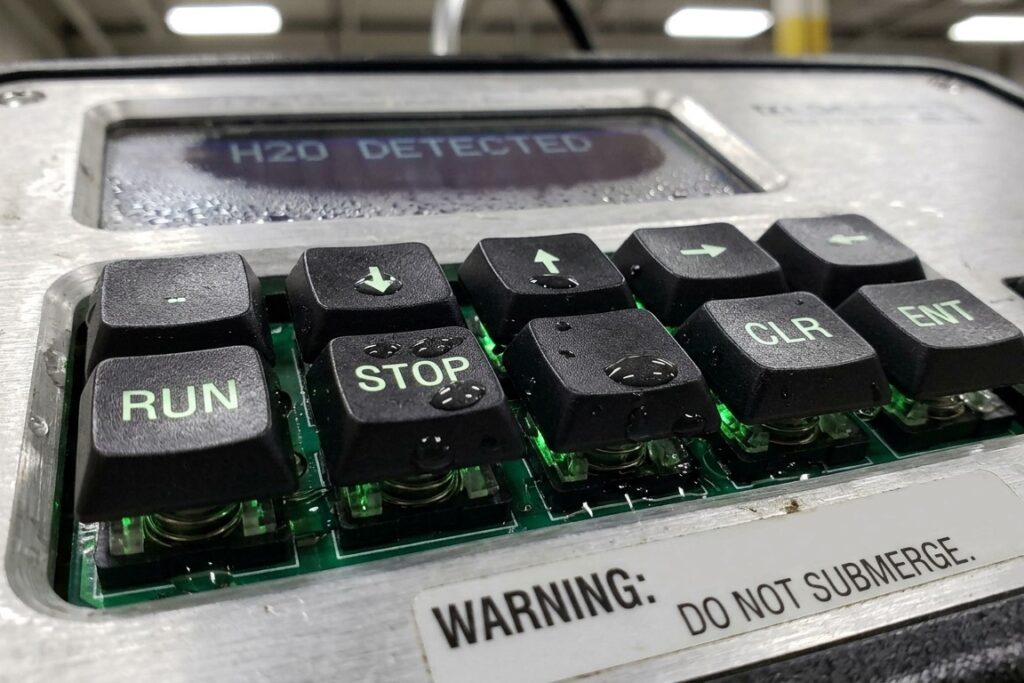
What do switches with mechanical keypads consist of?
Keycaps are located in the outermost layer that your fingers touch and interact with. These keycaps are made of plastic (usually ABS, PBT, PC, etc.) and are positioned on the stem. Additionally, you can print or laser-etch your desired legends on the keycap surface.
Mechanical keypad switches typically contain springs, stems, and housings. Each switch contains a spring, a stem, and metal leaf contacts inside a plastic or other material housing. The stem, a critical component generally made of POM (polyoxymethylene) or ABS (acrylonitrile butadiene styrene), connects the switch to the keycap, supporting every keystroke.
How Does A Mechanical Keypad Work?
Mechanical keypads have individual mechanical switches under each key that provide excellent tactile feedback when pressed. When you press a key on a mechanical keypad, the stem pushes against metal contacts, completing an electrical circuit and registering a keystroke.
Both tough silicone and mechanical keypads operate by registering a keypress through physical buttons. However, the internal structure and tactile response of mechanical keypads differ from those of silicone keypads.
How are silicone keypads and mechanical keypads integrated into switches?
Silicone Keypads Integrated with Assemblies: Waterproof and Easy to Clean & Maintain
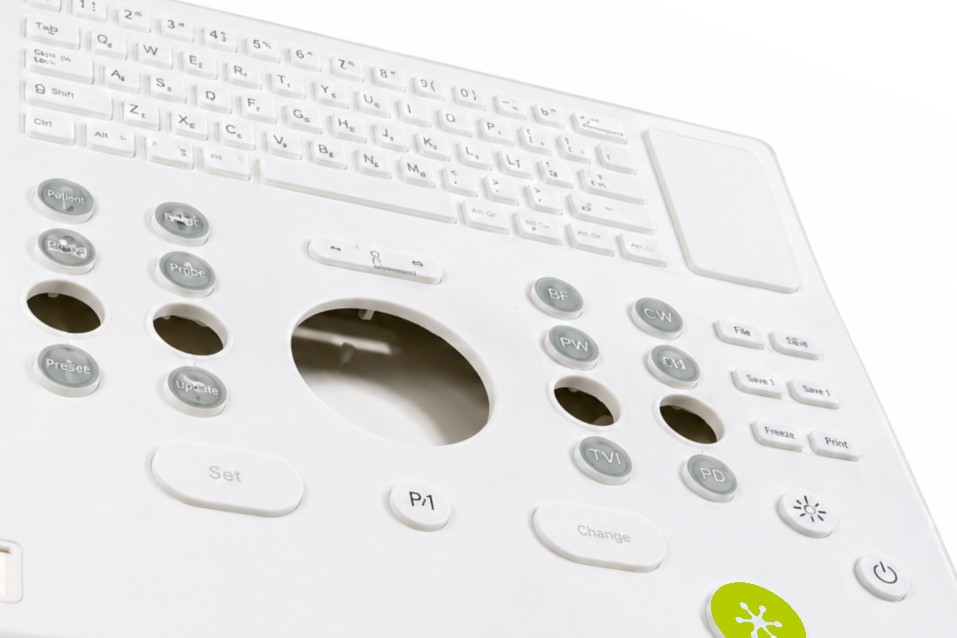
A silicone keypad is more than just a silicone keymat with separate silicone buttons. It can also be molded with the front frame, which can be made of plastic or other materials.
These integrated silicone keypads offer enhanced protection from water, dirt, dust, chemicals, and contamination. The frame provides rigid support and forms a closed, seamless surface that allows for daily cleaning and disinfection with chemical detergents or alcohol.
Simply wipe the surface and gaps of the silicone keypad, or rinse it with clean water. More information on cleaning and maintaining silicone keypads can be found here.
Mechanical Keypads Combinated with Components: Flexible Appearance Designs
Mechanical keypads are integrated into switches or user interfaces and contain a spring, metal contact, housing, and stem. These components enable the keypad to be mounted onto a PCB (printed circuit board).
Unlike formed silicone keypads, which cannot have individual keys replaced, mechanical keypads allow for customization of the profile and appearance of keycaps. Additionally, mechanical keypads can be integrated with backlighting, RGB illumination, rotary knobs, and LCD or OLED screens.
Mechanical keyboards are optimal for office devices and customized gaming keyboards. However, the ingress protection and mechanical strength of mechanical keypads are insufficient for harsh environments.
Comparison of Physical & Chemical Properties between Silicone Keypads & Mechanical Keypads
| Features | Silicone Keypads | Mechanical Keypads |
|---|---|---|
| Mechanical Strength | Good | Exceptional |
| Environmental Sealing | Superior, IP68 available | Poor |
| Vibration Resistance | Outstanding | Moderate |
| Chemical Resistance | Great | Moderate |
| UV Radiation Resistance | Excellent | Moderate |
| Feedback for Users | Tactile feedback mainly | Acoustic and tactile feedback |
| Tactile Feedback | Optional | Optional, crisp typically |
| Components for Tactile Feedback | Carbon pill, metal dome, polydome | Switch stem (linear, tactile, clicky designs) |
| Quiet Operation | Suitable | Poor |
| Tooling Cost for Customization | Moderate | High |
FAQs
Can silicone keypads provide good tactile feedback like mechanical switches?
Yes. Your custom silicone keypads can remain soft-touch silicone keypads according to your requirements and also provide rapid tactile feedback to support industrial settings where enough response is required for recognition.
What is the expected lifetime of silicone keypads and mechanical keypads?
Mechanical keypads can function for 50~80 million keystrokes, whereas silicone keypads have a lifespan of 0.5~30 million keystrokes.
Can silicone keypads provide good tactile feedback like mechanical keypad switches?
Yes. SKF offers soft activation with carbon pills and also crisp tactile response with metal domes as a cost-effective solution. But if you focus more on diverse tactile experiences, sound profiles, and performance without budget-sensitive concerns, mechanical keypad switches can meet more of your needs.
For a custom mechanical keypad or custom silicone keypad, which one is more cost-effective?
If you consider the layout of keys, surface finish, or textured buttons in user interfaces, silicone keypads are more cost-effective, which has lower tooling costs than mechanical keypad switches with the costs of custom PCBs, mounting plates, and mechanical switches.
What about the backlighting effect for silicone keypads and mechanical keypads?
Both of the keypads enable reach backlighting effects. But silicone keypads provide more integrated and cost-effective solutions with reinforced light transmission, uniform illumination by light pipes, and light-isolated area design.
Final Thoughts
Your specific requirements determine whether you need a mechanical or silicone keypad, including the expected lifetime, usability, engineered designs, cost structure, and applications in diverse operating environments.
Mechanical keypads are ideal for consumer electronics, input keyboards, and gaming keyboards. They provide an enjoyable user experience with tactile and acoustic feedback, as well as a flexible, customizable appearance. Additionally, the costs of tooling and relevant components must be considered.
Silicone keypads are cost-effective, especially in high-volume production. They can meet your requirements for component integration, tactile response, and flexible key layout design. More information about elastomer keypads can be found at SKF.