Touchscreens have been integrated into smartphones, electronic devices, ordering tablets, and control panels, offering us a way to demonstrate and interact with high-density information. Simple touching and tapping actions improve user experience and efficiency.
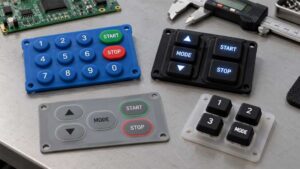
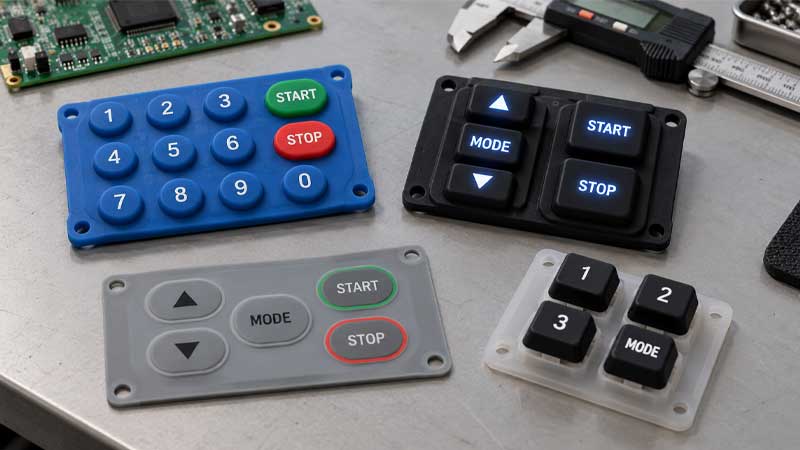
However, physical buttons, including silicone keypads, are a more cost-effective solution that provides enhanced performance and tactile feedback, ensuring long-term safety and reliability and making tactile interfaces irreplaceable by touchscreens.
Tactile and Touch Interfaces
Silicone Keypad as Tactile Interface
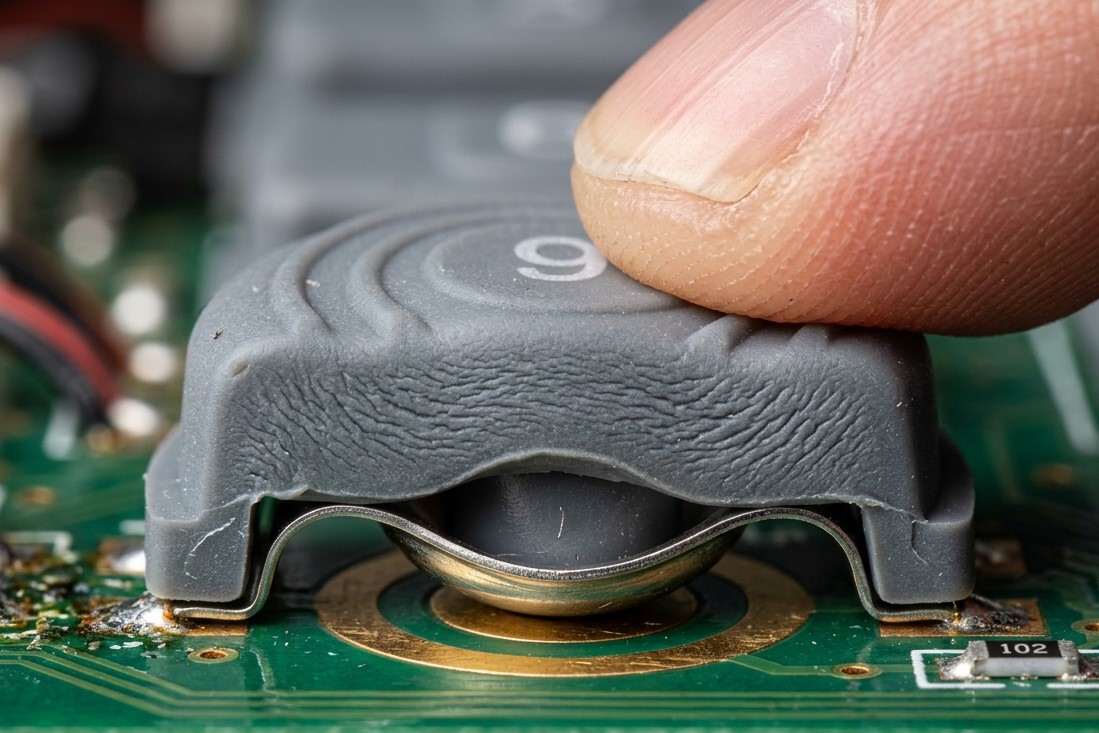
Silicone keypads offer not only a discernible “click” tactile feedback for interfaces in machines but also augmented mechanical strength in adverse conditions. Tactile feedback refers to the physical sensation or pressure felt through the skin when interacting with electronic devices or machinery.
Conductive pills or metal domes provide different tactile and audio feedback, producing noticeable responses. This real-time feedback lets users know that they have pressed a button and that it has worked. Furthermore, physical buttons provide higher ingress protection and a more reliable interactive experience, thereby eliminating false inputs and cognitive load.
Touchable Touchscreen Interface
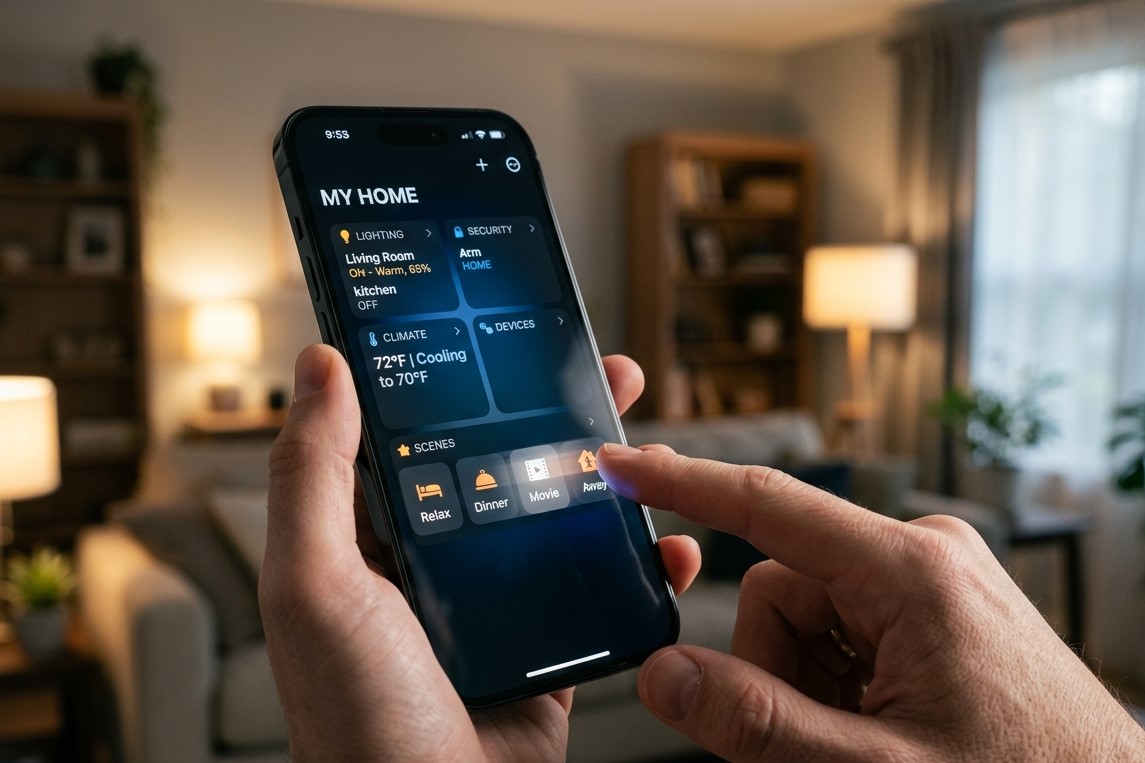
Touchscreens allow users to interact with electronic devices and machines, including phones, ordering tablets, automotive infotainment systems, kiosks, ATMs, and ticket vending machines. They are also used for human-machine interfaces (HMIs), such as industrial control panels, automation controls, and medical monitors. Users can perform specific actions by simply tapping, swiping, or performing other gestures. This method is highly customizable and flexible.
One common type of touch-enabled screen is the capacitive touchscreen, which operates based on the electrostatic properties of the human body, eliminating the need for physical pressure.
Resistive touchscreens are cost-effective and enable internal sensors to measure resistance at the contact point. They can be operated with any object and require physical pressure.
Benefits of Silicone Keypad
Cognitive Load
Although touch-enabled digital displays provide rich visual information, frequent visual confirmation is essential to prevent input errors. Due to the lack of physical feedback, physical buttons, such as silicone keypads, offer real-time feedback and allow for repeated confirmation.
While driving, touch interfaces may increase cognitive load due to complex hierarchical navigation and the need for repeated confirmation. Silicone keypads allow for blind operation without looking and simplified mapping.
Necessary Tactile Feedback
Unlike haptic feedback, which uses technology to simulate touch, tactile feedback occurs naturally through direct contact. It relies on physical buttons with surface textures and tangible elements to provide immediate feedback.
In noisy environments, silicone keypads require a specific amount of force to activate and provide an immediate response and tactile feedback. This process is time-consuming and requires high input precision. It is common to touch the wrong place on the screen or make random touches when operating a touchscreen. Can you imagine if you could shut down machinery by randomly touching the screen or if water droplets remained on the screen?
Excellent Durability
Although tough resistive touchscreens enable interaction through physical pressure with any object, they are susceptible to wear and tear from friction and repeated pressing. Have you ever seen someone struggle to press virtual buttons on a touchscreen that don’t respond or activate unwanted functions?
Capacitive touchscreens are more durable and sensitive but also more expensive. On average, touchscreens degrade after 500,000 touches in heavy or dusty conditions. In contrast, silicone keypads function normally after 5 million keystrokes.
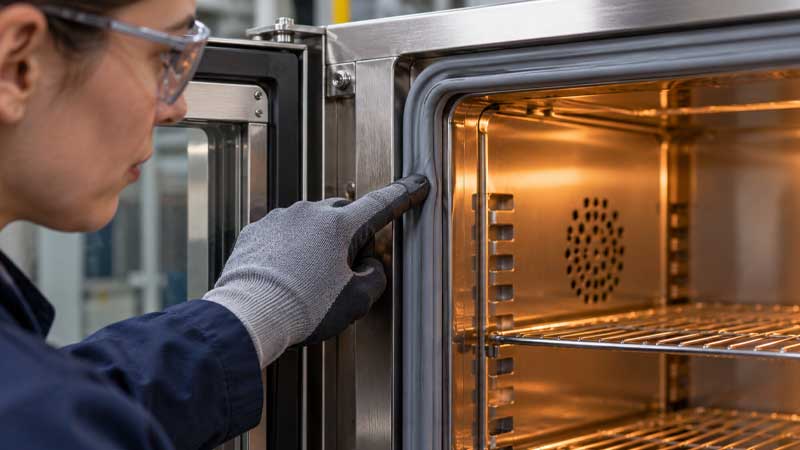
Flexible silicone keypads are highly resistant to impacts, water, dust, chemicals, and UV exposure. In contrast, touchscreens perform poorly in harsh conditions, including outdoor applications, industrial settings, and construction sites.
Benefits of Touchscreen
Rich Stimulation & Information
One significant benefit of touchscreens is their interactive nature. They feature rich visual information and interactive visual buttons. Through software updates and real-time data, a touchscreen interface can display high-density information, visualizations, and interactions. Physical buttons cannot create a multifunctional interface in a limited space.
Touchscreens use haptics and capacitive sensors to enhance the user experience, enabling users to virtually interact with objects. However, we are not actually pressing these virtual buttons on the screen.
Embedded Touch Feedback: Haptic Feedback
Unlike physical buttons, touchscreens have poor tactile feedback. Embedded haptic feedback enhances immersion in the digital world by providing touch and vibrations when touching the screen.
Haptic feedback uses touch and vibrations to provide a pleasant, real-time experience. For instance, a gaming controller may vibrate when the player performs specific actions, such as attacking. Touchscreens on smartphones, wearable devices, and interactive interfaces can vibrate when touched, when a button is pressed, or when a notification is received. Some touch displays with virtual keyboards simulate the feel of a real keyboard by vibrating in specific areas of the screen.
User Accessibility
Haptic feedback improves accessibility for users, especially those with visual or hearing impairments. Both haptic and audio feedback enable people to easily receive alerts or information, improving the usability of touch displays.
Comparison between Tactile Silicone Keypad and Touch-enabled Touchscreen
| Tactile Silicone Keypad | Touchscreen | |
|---|---|---|
| Customization | Customized legend, colors, textures, and layout, restricted to add functions | Highly customizable, unlimited updates, operation based on software |
| Feedback | Rich tactile feedback physically and mechanically | Less feedback, haptic feedback by internal vibration motors, audio feedback |
| Ease of Operation | Operate without looking | Require continuous confirmation |
| Durability | Resistance to impact, abrasion, and crack | Sensitive to damage from impacts, cracks, and scratches |
| Environmental Resistance | Water- and dust-proof | Require extra protective coatings on the surface |
| Reference | Industrial control panel, medical devices, emergency buttons | Wearable devices, consumer electronics, automotive infotainment |
| Input with Gloves | Available | Capacitive touchscreens require conductive contact with bare skin, resistive screens operate fine with gloves |
When to Use a Silicone Keypad
Focus on Tactile Feedback
Physical buttons provide noticeable tactile feedback and natural sensations. If tactile feedback is necessary, elastic silicone keypads are an optimal, cost-effective solution.
Requirement for Safety and Reliability
In harsh environments, silicone keypads with environmental sealing and ingress protection resist moisture, dust, dirt, impact, cracking, and abrasion. This ensures safe operation and reliability.
Water- and dustproof silicone keypads prevent accidental input errors caused by solid ingress and moisture. In contrast, touchscreens struggle with exposure to water and dust, as well as extreme environments. Without proper treatment, sealing, enclosures, or protective coatings, any conductive object or contamination on the screen will trigger ghost touches and interfere with the electrical signal’s accuracy.
Meanwhile, silicone keypads are less sensitive to moisture and can be used in environments with various hazards, including chemical exposure, extreme temperatures, and cuts.
Friendly for Glove Input
Silicone keypads are cost-effective, easy to use, and support operation with gloved hands thanks to their physical buttons. This tactile interface provides reliable input and definite feedback, which is important since users wearing gloves cannot feel haptic vibrations.
Touch displays have less or no response when gloves are worn or non-conductive styluses are used. Enabling glove input for barehanded users in industrial, medical, or cold settings requires additional costs and techniques, such as advanced PCAP technology.
When to Use a Touch Interface
Multi-functional Updates
You can update multiple functions through programming and software updates to meet your specific preferences and requirements. However, once silicone keypads are designed and manufactured, they are difficult to modify.
If each key on the silicone keypad corresponds to a single command, the control panel will unnecessarily expand to accommodate all the functions. A small touch display with a single interface can easily satisfy your needs and help you avoid the confusion of a huge panel with hundreds of physical buttons.
Touch-enabled screens are common in ordering tablets, interactive mall directories, and healthcare applications for patient check-in and data monitoring. Touch interfaces also offer optimal solutions for smart home systems that monitor security, lighting, and HVAC (heating, ventilation, and air conditioning).
Enhanced Efficiency
Operating a touchscreen is simple for users of all ages—just slide or tap your fingers. Touchscreens also take up less space than traditional buttons and help you focus on the digital display. Added voice prompts and zoom functions improve accessibility and operational efficiency for people with disabilities.
Combination of Tactile and Touch Interfaces
Remote Control
Remote controls are standard peripherals for most consumer appliances and electrical devices, including air conditioners, TVs, ceiling fans, garage doors, and thermostats. Conventional remotes consist of a casing, a battery slot, a circuit, and physical buttons, typically made of elastic silicone rubber.
Universal remotes can replace multiple individual remotes. These programmable handheld devices operate various brands based on compatibility. They also feature touchscreens, LCD screens, scroll wheels, voice control, and smart home integration.
Industrial Control Panel
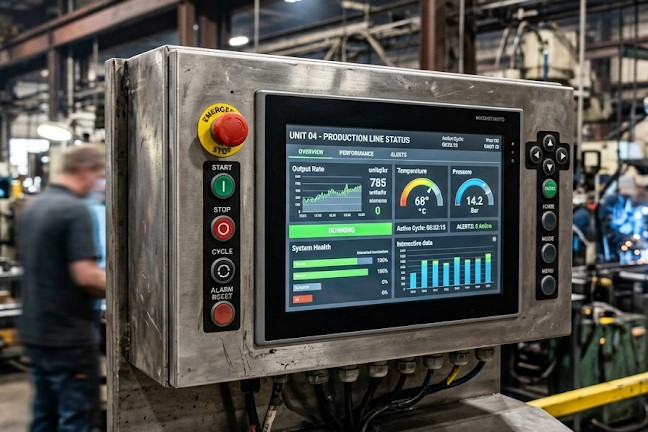
A hybrid solution that combines tactile and touch interfaces improves usability and customization for various data visualization, tactility, haptics, and audio feedback requirements. In industrial settings, machines are equipped with emergency buttons and touchscreens.
FAQ
How does haptic feedback work?
Haptic feedback uses vibrations, forces, electrical pulses, or sound waves against the skin to emulate touch sensations.
What is the main distinction between tactile and haptic feedback?
Tactile feedback refers to physical sensations through direct contact, while haptic feedback aims to simulate sensations, including vibrations or forces.
What is the expected lifespan of a silicone keypad?
Our high-quality silicone keypads enable withstand 500,000~5,000,000 times.
What tactile feedback options are available for silicone rubber keypads?
These tactile feedbacks include carbon pills, carbon printing, metal domes, and polydomes.
Is the maintenance cost of a touchscreen higher than a silicone keypad in the long run?
Touchscreens require higher maintenance costs due to fragility, repair difficulty, and fingerprints.
Conclusion
Touchscreens provide visual and haptic feedback, such as quick vibrations or sustained contact. Tactile feedback provides real-time, natural responses through physical buttons, such as silicone keypads, offering a more intuitive user experience. These physical tactile keypads use actuators to generate touch feedback and require sufficient actuation force to activate, ensuring the elimination of input errors for reliable performance.
In terms of reliability, robustness, and mechanical strength, silicone keypads are the optimal solution for your interface project, withstanding millions of operations.