
Backlit Silicone Buttons Manufacturer
What Are Backlit Buttons?
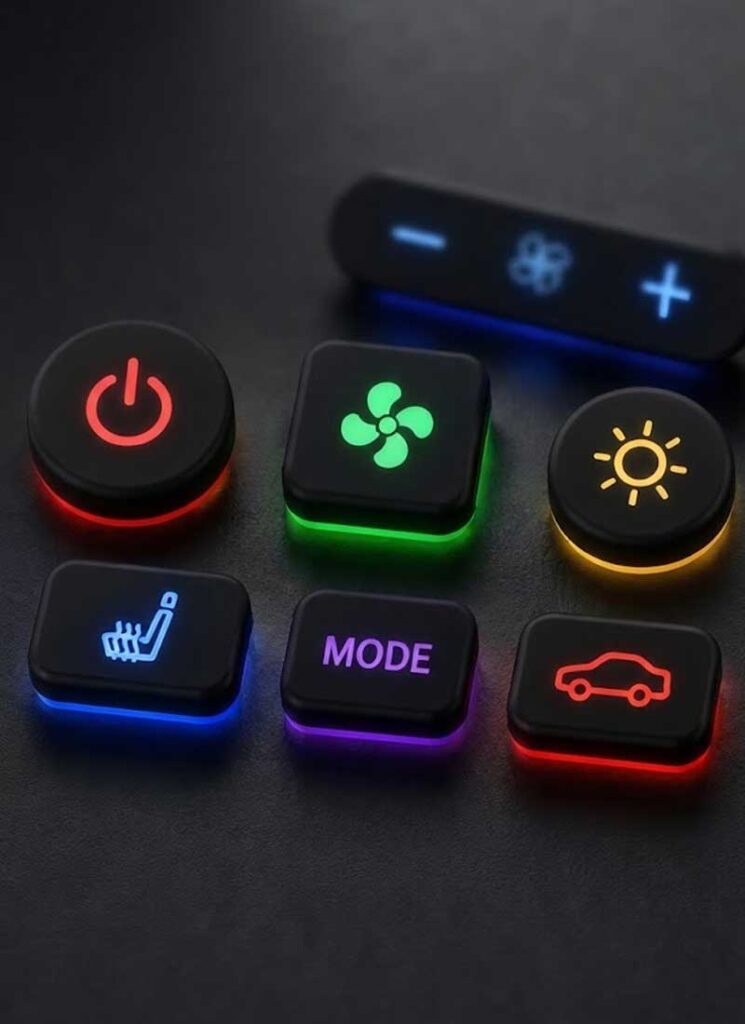
Backlit silicone buttons are physical controls with an illuminated surface, symbol, number, or graphic. The lighting helps users identify button functions in low-light conditions and provides visual feedback on the interface.
Silicone backlit buttons combine a molded silicone button structure with an LED lighting arrangement. An LED light source is normally positioned below or around the button. Light passes through selected areas of the silicone structure and reaches the visible graphic on the button surface.
The button surface can use a light-blocking coating with selected areas removed by laser processing. These exposed areas form the illuminated legend. When the LED is activated, light becomes visible through the legend while the surrounding coated areas remain darker. Depending on the interface requirements, the button can also use printed graphics or other surface treatments.
The final lighting effect depends on more than LED brightness. Silicone material, button thickness, LED position, legend geometry, coating, and surrounding components all affect how light is distributed across the button. A material or LED arrangement that works for one button geometry may produce a different result in another design. For more on this design process, read our guide to LED placement and light diffusion for custom silicone keypads.
For multiple buttons installed close together, the design also needs to control unwanted light leakage between adjacent legends. Button geometry, graphic layout, coating, LED position, and surrounding structure should be considered together during development.
SKF develops backlit silicone buttons for individual controls and compact control interfaces. The design can be coordinated with the PCB or other switching components, available installation space, required actuation force, and LED arrangement.
What Affects Backlit Button Illumination?
Backlit button appearance depends on the relationship between the light source and the button structure. Several factors need to be considered during design rather than adjusted separately after tooling.
Silicone Light Transmission
The silicone compound and button geometry affect how light travels through the button. Translucent silicone can transmit and diffuse light, while material thickness and local geometry influence the amount of visible light. The required optical effect depends on the LED output and the desired appearance of the legend. A material choice that works for one button geometry may produce a different result in another design.
LED Position and Light Distribution
LED position affects the distribution of light across the button surface. When the light source is too close to one area, the center or nearby region can appear brighter than the surrounding surface. Button size, shape, available space, and the distance between the LED and illuminated area all affect the result. These factors should be considered together when defining the button geometry and PCB layout.
Coating and Light Blocking
A light-blocking coating helps control where light can escape from the button surface. The coating can keep non-illuminated areas dark while allowing selected graphics to transmit light. Coating design needs to match the required legend, surface appearance, and lighting effect. Excessive or insufficient coverage can affect the contrast between illuminated and non-illuminated areas.
Laser-Etched Legends
Laser etching can create illuminated text, numbers, symbols, and other graphics by selectively removing the surface coating. The etched area becomes the intended light-transmitting region. Legend size, line width, spacing, and graphic complexity affect both appearance and readability. These details should be considered together with the available button size and LED arrangement.
Light Leakage Between Buttons
Light leakage can become noticeable when several illuminated buttons are positioned close together. Unwanted light may appear around adjacent legends or through areas that should remain dark. Button spacing, surface coating, geometry, LED position, and the surrounding structure can all influence this effect. SKF evaluates these factors according to the actual button layout rather than treating light leakage as an isolated surface issue.
Backlit Silicone Buttons Design Options
Black Circular Backlit Silicone Power Button
Square Backlit Silicone Heart Icon Button
Blue Backlit Silicone Power Button
Brown Backlit Silicone Circular Control Button
Red Backlit Silicone Power Control Button
Green Rectangular Backlit Silicone Function Button
Versatile Solutions for Demanding Sectors
Sector 01
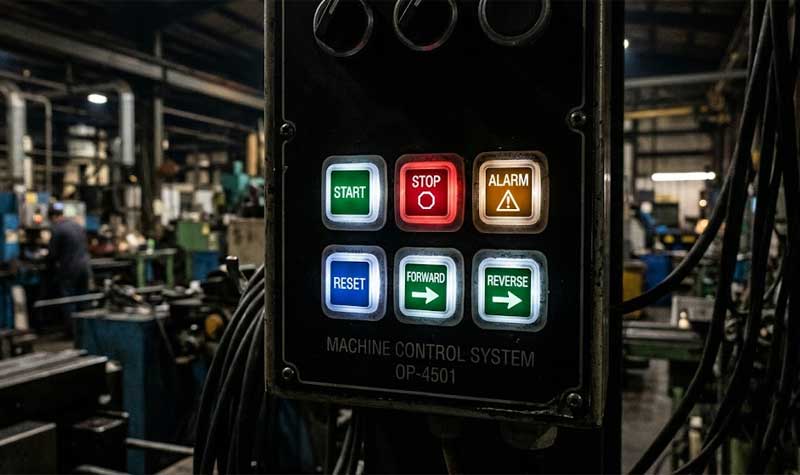
Industrial Control Equipment
Low-Light Visibility
Clear illuminated legends
Panel Protection
Dust and moisture sealing
Sector 02
Medical Devices

Sector 03
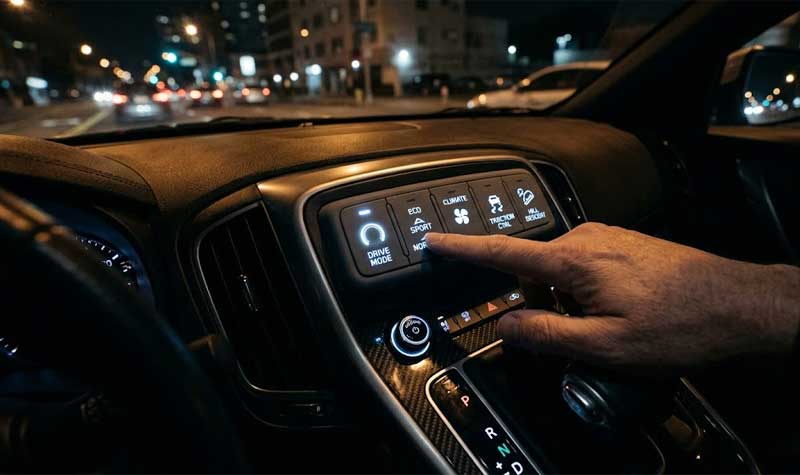
Automotive Electronics
Sector 04
Security & Access Control

What Backlit Button Designs Can Be Customized?
Backlit silicone buttons can be developed around the required graphic, button geometry, lighting arrangement, and switching method. The most useful customization decisions are made together because a change to one part of the design can affect the optical or tactile result.
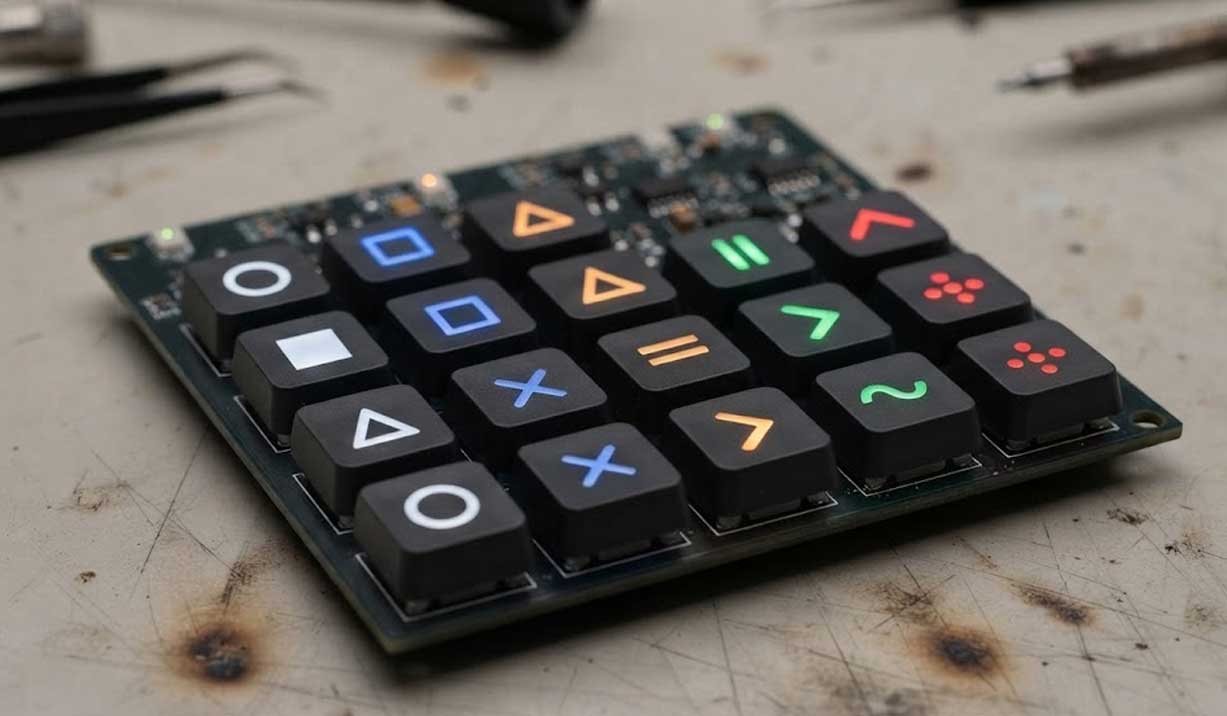
The backlighting configuration can be selected according to the interface requirements. Single-color illumination can provide consistent identification for a control panel, while multiple colors can distinguish different functions or operating states when the electronic design supports them.
The LED configuration should be considered together with the button material, legend, and available space below the button. The required color and brightness should be confirmed during prototype evaluation.
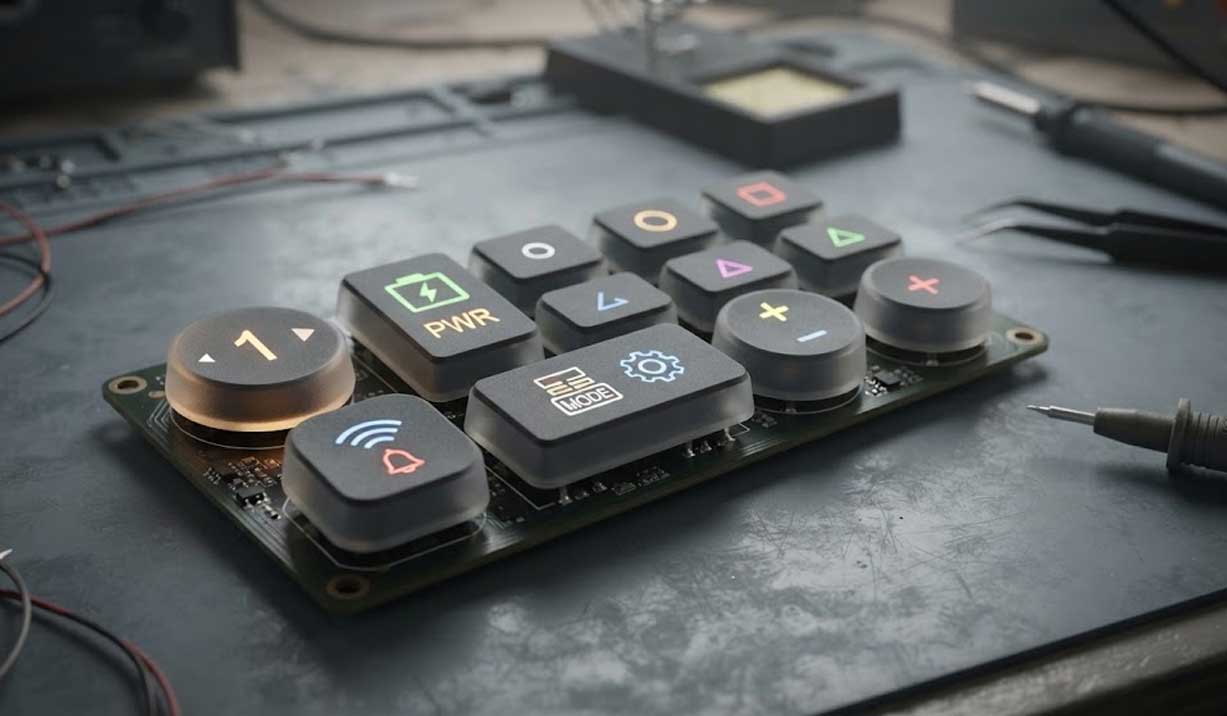
Text, numbers, symbols, and icons can be incorporated into the illuminated button surface. The graphic needs to remain readable at the required viewing distance and fit within the available button area.
Graphic size, line width, spacing, and coating design all affect the final appearance. SKF can review the customer’s artwork together with the button dimensions and lighting arrangement before tooling.
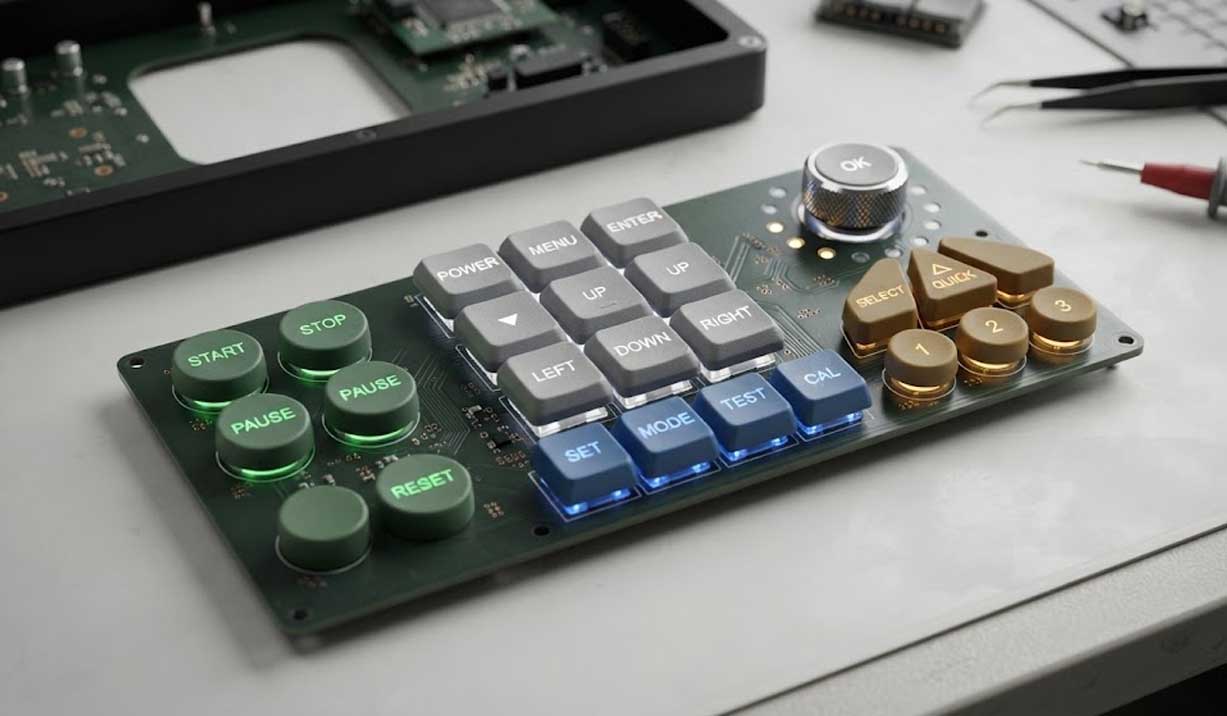
Individual backlit buttons can use round, square, rectangular, or application-specific shapes. Button dimensions need to match the enclosure, PCB layout, LED position, and required finger contact area.
For compact interfaces, the spacing between adjacent buttons also matters. It affects both user operation and the separation of illuminated areas.
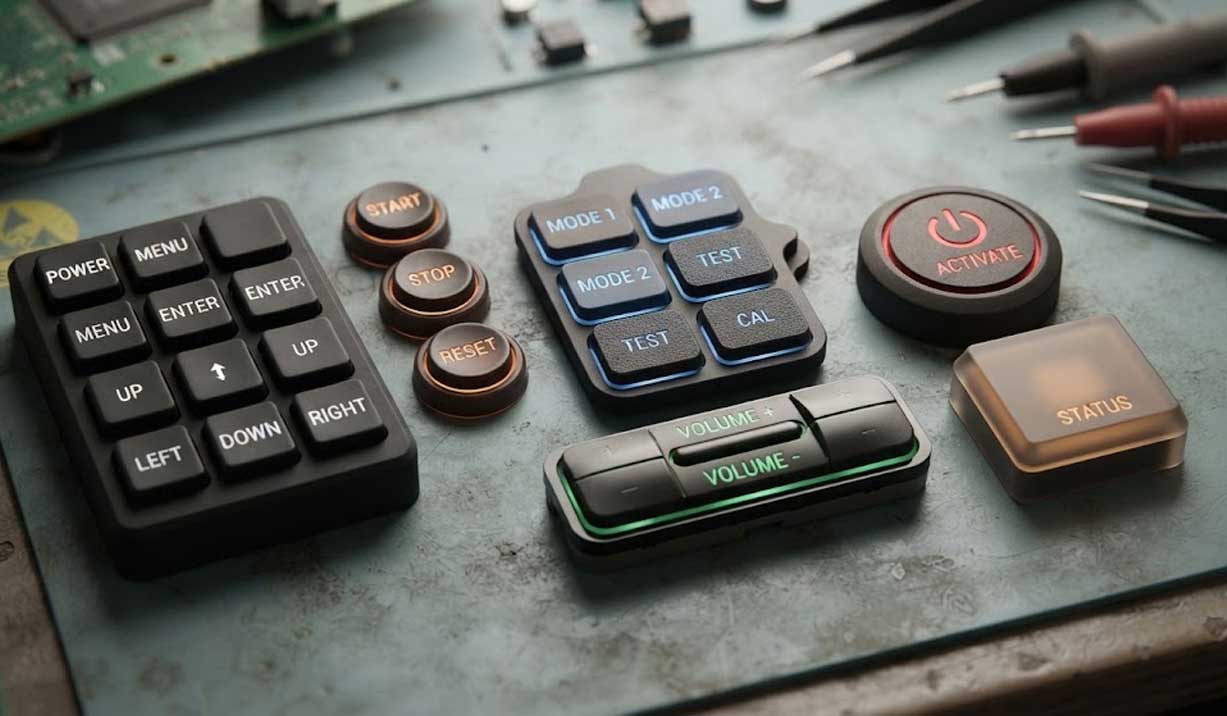
The button surface can be developed with different graphic and finish requirements. Surface treatment needs to support the required appearance while maintaining the visibility of the illuminated legend.
The selection depends on the graphic method, operating environment, expected contact with the user, and whether additional surface protection is required.
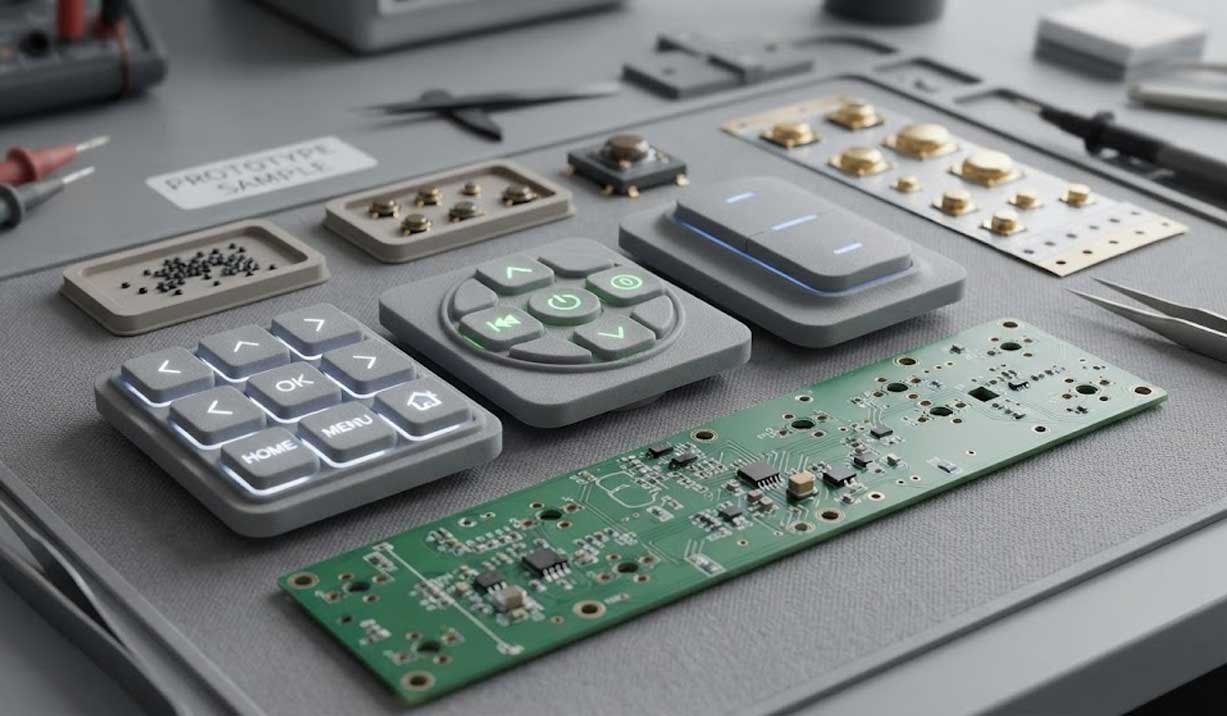
Backlit silicone buttons can be designed around different switching arrangements. Carbon pills, metal domes, or other specified contact methods can be considered according to the PCB interface and required tactile response.
The contact method should be selected during the initial design review because it affects the available space, actuation behavior, and button structure.
Start Your Custom Backlit Silicone Button Project
Backlit buttons need to perform two functions at the same time: provide a predictable physical input and present clear illuminated information. Silicone material, button geometry, LED position, coating, graphic design, and switching structure all affect the final result.
SKF develops custom backlit silicone buttons around the actual interface requirements rather than selecting illumination and tactile specifications separately. If you have a button drawing, artwork, PCB layout, or reference sample, send the available information to SKF for design and quotation review.
How Is Tactile Feedback Designed in Backlit Buttons?
Backlighting does not replace the mechanical function of the button. The button still needs to provide a predictable operating response when the user presses it.
SKF considers actuation force, key travel, silicone hardness, web geometry, and dome structure when developing the tactile response. These factors also interact with the button size and available space for the LED and contact system.
Actuation Force
Actuation force determines how much pressure the user needs to apply before the switching point is reached. A lighter force may suit frequent hand operation, while a higher force can help prevent accidental activation.
The appropriate force depends on the equipment, button size, operating method, and user requirements. It should be validated with the actual button geometry rather than selected as an isolated specification.
Key Travel
Key travel affects the physical movement felt by the user during operation. Too little travel can make the switching point difficult to perceive, while excessive travel may not suit a compact interface.
The travel needs to work with the silicone web and dome geometry, contact system, and required actuation force.
Silicone Hardness
Silicone hardness influences the feel of the button and the behavior of the molded structure. The selected hardness should match the required tactile response and button geometry.
Changing hardness alone does not guarantee a particular actuation force. Web dimensions, dome geometry, and other structural factors also affect the result.
Web and Dome Geometry
The silicone web and dome structure control much of the button’s mechanical response. Their dimensions influence force, travel, snap behavior, and recovery after actuation.
For backlit designs, the mechanical structure also needs to leave sufficient space for the lighting arrangement. SKF evaluates the optical and tactile requirements together during design development.
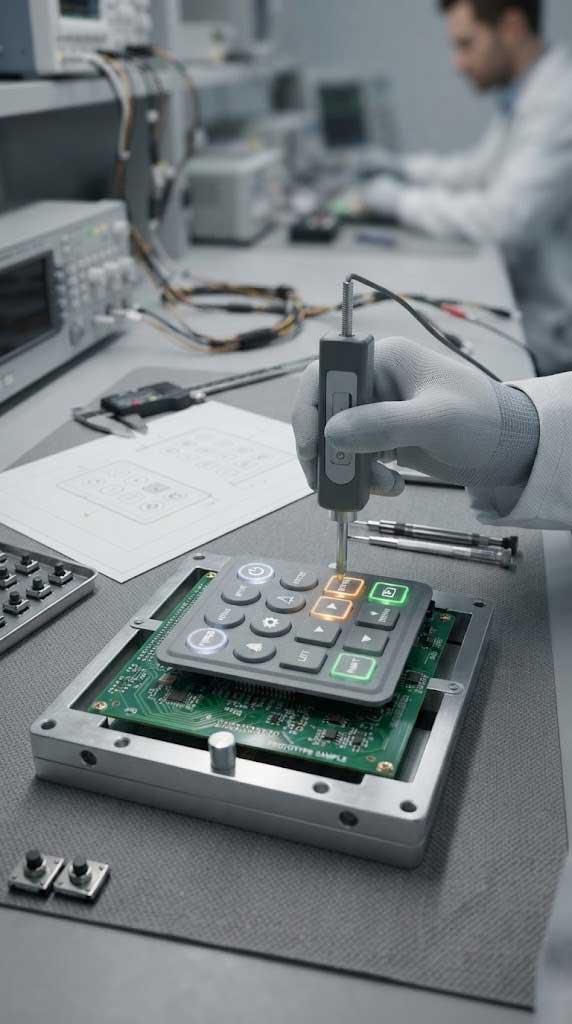
What Specifications Should You Consider for Backlit Buttons?
The specification of a backlit silicone button needs to cover both the mechanical input and the lighting function. A button can meet the required dimensions but still produce an unsatisfactory result if the LED position, graphic, coating, or tactile structure is not considered at the same time.
| Specification | General Reference Range | Design Consideration |
|---|---|---|
| Silicone Material | Translucent silicone, typically selected by compound and optical requirement | Selected according to required light transmission, button geometry, surface treatment, and operating environment |
| Backlighting | Single-color or multi-color LED lighting | LED type, color, position, output, and spacing are selected according to button size, layout, and required illumination |
| Illuminated Graphic | Text, numbers, symbols, or icons | Defined according to available button area, viewing distance, graphic size, and required readability |
| Graphic Method | Laser etching, printing, or specified graphic process | Selected according to the required graphic appearance, illumination effect, surface finish, and operating conditions |
| Actuation Force | Commonly 80–500 gf | Selected according to equipment requirements, button size, operating method, and tactile response |
| Key Travel | Commonly 0.3–2.0 mm | Defined according to the required tactile response, switching structure, button geometry, and available space |
| Silicone Hardness | Commonly 40–70 Shore A | Selected according to button geometry, required tactile feel, actuation force, and structural requirements |
| Button Geometry | Application-specific | Dimensions, shape, height, web structure, and layout are matched to the enclosure, PCB, LED position, and user interface |
| Contact Method | Carbon pill, metal dome, or specified switching method | Selected according to PCB/FPC interface, electrical requirements, available space, and required tactile response |
| Surface Finish | Application-specific | Selected according to graphic requirements, appearance, user contact, wear conditions, and surface protection requirements |
| Light Leakage Control | No universal numerical range | Evaluated through button spacing, coating coverage, silicone geometry, LED position, and surrounding structure |
These values provide general engineering references rather than fixed specifications for every backlit button. The final range depends on the button structure, switching method, lighting arrangement, and application requirements. For example, changing the button height or LED position can affect illumination, while changing the web geometry can change actuation force and key travel. A specification should therefore be validated with the actual button design rather than selected independently. For a production quotation, SKF can review the available drawings, artwork, PCB information, switching requirements, lighting requirements, and expected operating conditions before confirming the design.
How Are Backlit Silicone Buttons Manufactured?
The manufacturing process needs to maintain the relationship between the molded silicone structure, surface treatment, graphic, and lighting function. SKF reviews these elements through the production stages rather than treating illumination as a separate finishing step.
Design Review
SKF reviews the button drawing, artwork, dimensions, switching requirements, LED arrangement, mounting conditions, and other available interface information. The design review identifies potential conflicts between the mechanical structure and lighting arrangement before tooling begins. This stage is also used to confirm which requirements need prototype validation.
Silicone Molding
The silicone button structure is molded according to the approved design. Material selection, molding conditions, button geometry, web structure, and graphic area all contribute to the final product. Dimensional consistency is important because variations in the molded structure can affect both button operation and the position of the illuminated graphic.
Surface Coating
Where the design requires a light-blocking or protective coating, the coating is applied after molding according to the specified surface design. The coating needs to provide the required visual contrast while leaving the intended illuminated areas suitable for subsequent graphic processing.
Laser Etching
Laser processing can selectively remove the coating to create illuminated legends. The process is controlled according to the artwork and required graphic definition. Text, numbers, symbols, and icons need to be reviewed for size, line width, spacing, and alignment with the button geometry.
Functional and Optical Inspection
Finished buttons are checked for appearance, graphic condition, dimensional requirements, and functional performance. Backlit designs also require attention to illumination, legend visibility, and unwanted light leakage. The inspection criteria should be based on the approved drawing, artwork, sample, and customer requirements. Where optical performance is critical, the lighting setup used for evaluation should also be defined.
What Information Does SKF Need for a Backlit Button Project?
The more complete the initial design information, the easier it is to evaluate the mechanical and optical requirements together.
Useful information includes:
- Button or keypad drawing
- 2D or 3D CAD data
- Graphic artwork
- PCB or FPC layout
- LED type and position, when already defined
- Required backlighting color
- Actuation force and travel requirements
- Contact method
- Surface finish and graphic requirements
- Enclosure or mounting information
- Expected operating environment
- Prototype or reference sample, if available
If some parameters have not yet been defined, SKF can review the available interface information first and identify the specifications that need engineering confirmation.
Frequently Asked Questions
What are backlit buttons?
Backlit buttons are physical buttons with an illuminated surface, legend, symbol, or graphic. They combine mechanical input with visual identification of the control.
How do backlit silicone buttons work?
An LED provides the light source below or around the silicone button. Light passes through selected areas of the button and becomes visible through the illuminated legend or graphic.
What affects backlit button brightness?
Brightness depends on factors such as LED output, LED position, silicone material, button thickness, graphic design, coating, and the surrounding structure. LED output alone does not determine the final visible result.
How do you prevent light leakage between buttons?
Light leakage can be influenced by button spacing, coating coverage, silicone geometry, LED position, and the surrounding enclosure. These factors should be evaluated together when several illuminated buttons are installed close to each other.
Can the illuminated legends be customized?
Yes. Text, numbers, symbols, and icons can be developed according to the required interface artwork. The available button area and graphic dimensions need to be considered during design.
Can backlit buttons use different LED colors?
The lighting configuration can be developed around the required illumination color when the electronic and LED arrangement supports it. The selected color should be evaluated with the silicone material and graphic design.
Can backlit silicone buttons have tactile feedback?
Yes. Actuation force, travel, silicone hardness, web geometry, and dome structure can be developed to provide the required tactile response while accommodating the lighting arrangement.
What information is needed to quote custom backlit buttons?
A drawing, artwork, button dimensions, switching requirements, lighting requirements, and quantity are useful starting points. PCB or FPC information and enclosure details can also help SKF evaluate the complete interface design.